
About YouTube
YouTube is the world's largest video sharing platform, hosting everything from short clips and music videos to tutorials, documentaries, podcasts, and live broadcasts. Anyone can create a channel, upload videos, go live, and reach a global audience for free.
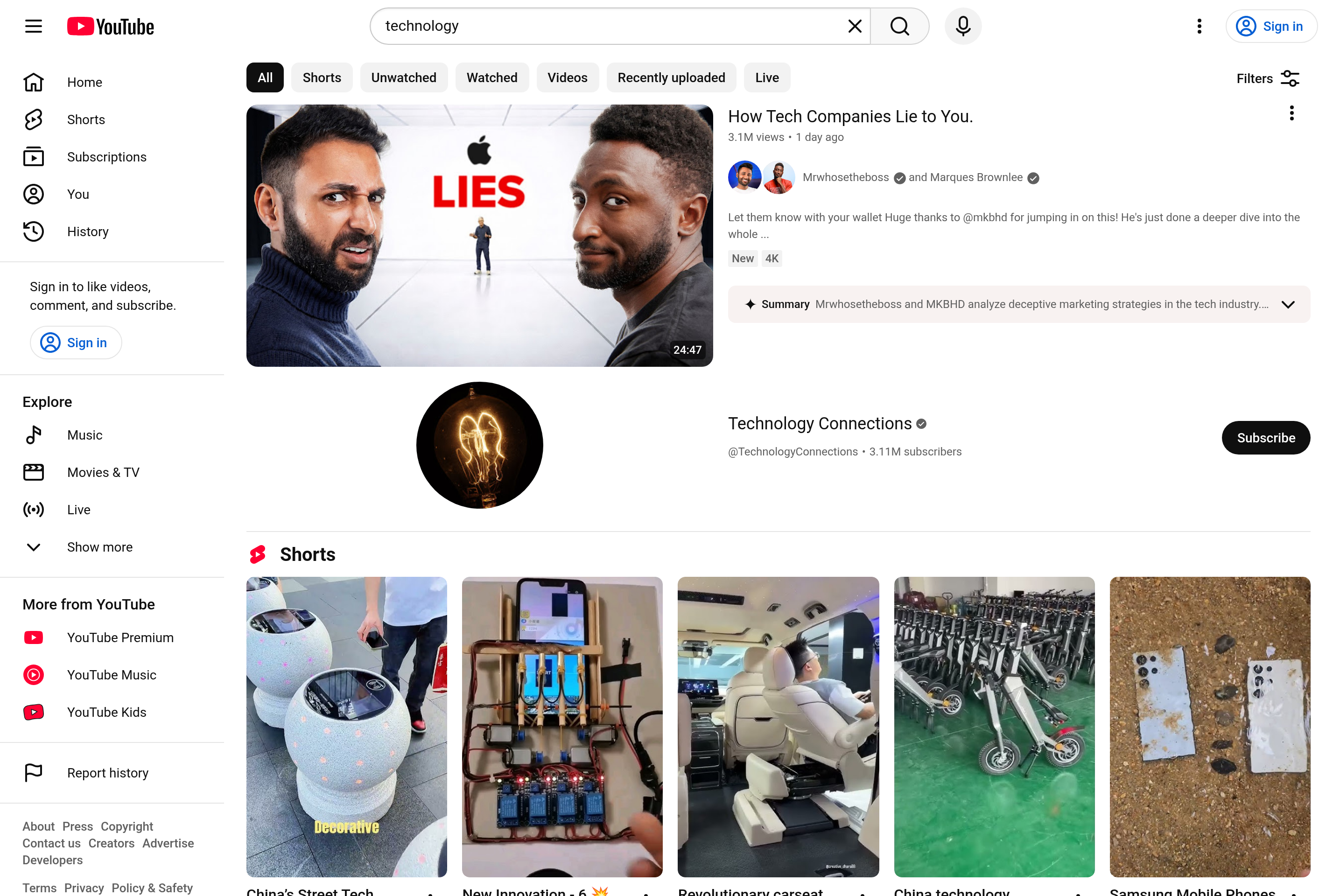
Viewers find content through search, recommendations, subscriptions, and the Shorts feed for vertical short-form video. Creators monetize through the YouTube Partner Program, channel memberships, Super Chats during live streams, and Shorts revenue. YouTube Premium offers ad-free viewing, background play, and access to YouTube Music.
Owned by Google, YouTube also serves as a primary platform for music streaming, gaming content, learning, and live events, with apps available across virtually every modern device.
Key features
Video uploads and streaming
Upload videos in resolutions up to 8K and stream live to a global audience for free.
Shorts
Create and watch vertical short-form videos in a dedicated feed alongside long-form content.
Channels and subscriptions
Subscribers receive notifications when their favorite creators publish new videos or go live.
Monetization
Eligible creators earn through ads, channel memberships, Super Chats, Super Thanks, and Shorts revenue.
YouTube Premium
An optional subscription removes ads, enables background play, and includes YouTube Music.
Common use cases
- Watching tutorials, reviews, news, and entertainment from any creator
- Building an audience as a creator with long-form videos and Shorts
- Streaming live gameplay, events, or podcasts to a global audience
- Listening to music videos and full albums through YouTube or YouTube Music
Install YouTube:
1. Make sure to choose the right OS and Browser in the config section above.
2. and don't hesitate to check it's content.
3. Paste the code in your termial of choice.
4. You can now find and use YouTube just like any other app on your OS! 🎉
App Configuration:
| Key | Value |
|---|---|
| Name | YouTube |
| Website | https://www.youtube.com/ |
| Developer | Google LLC |
| Category | VideoApplication |
| Pricing | Free with optional Premium subscription |
| Platforms | Web, iOS, Android, tvOS, Smart TV, Game consoles |
| Tags | video, streaming, entertainment |
Frequently asked questions
Is YouTube free?
Yes, YouTube is free to watch with ads. YouTube Premium is an optional paid subscription that removes ads and adds extra features.
Do I need an account to watch?
No, most videos can be watched without an account. A free Google account is required to subscribe, comment, or upload.
How do creators get paid?
Through the YouTube Partner Program, which shares ad revenue, plus channel memberships, Super Chats, and Shorts revenue once eligibility thresholds are met.
Can I watch YouTube offline?
YouTube Premium subscribers can download videos for offline viewing in the mobile apps.