

About Twitch
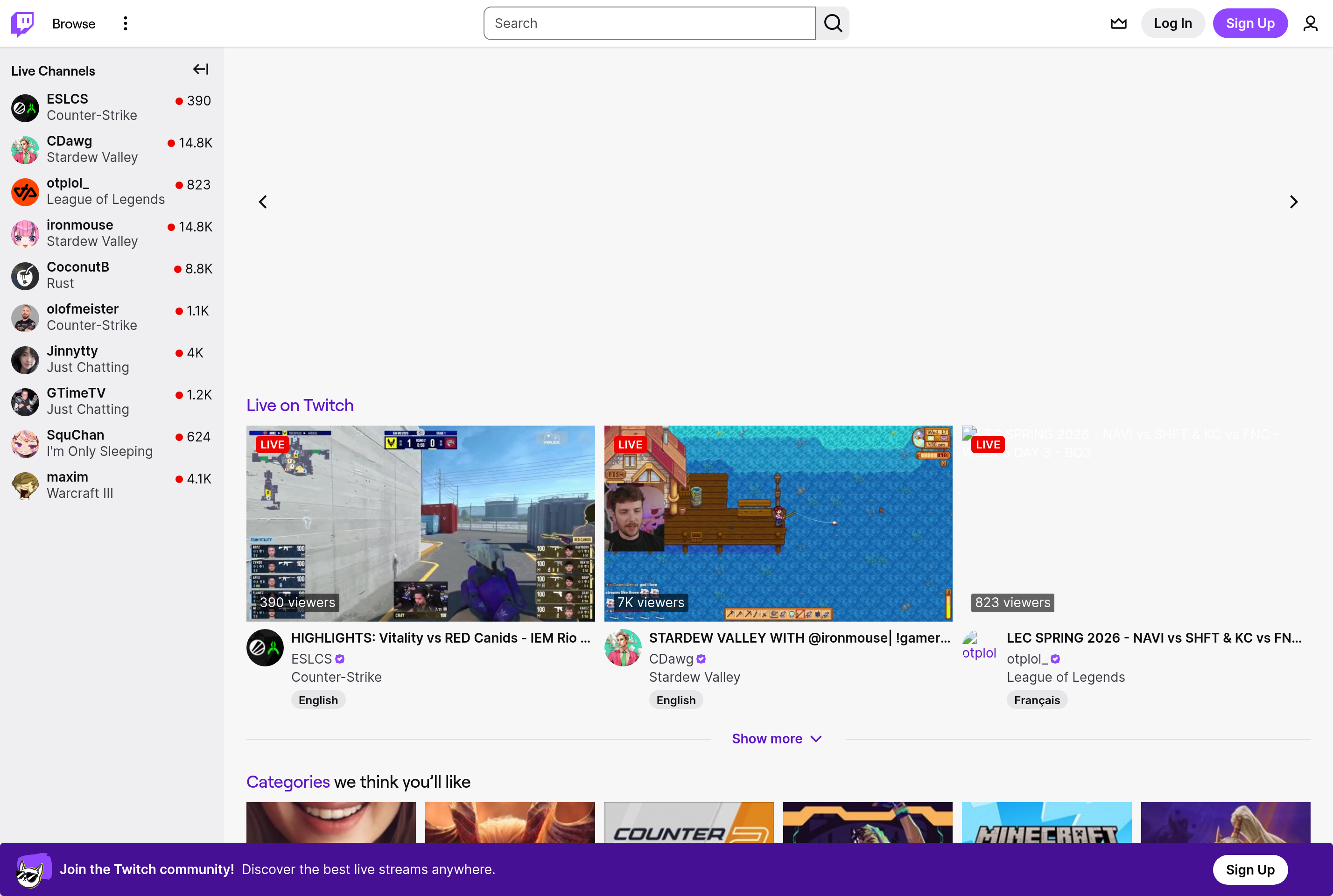
Twitch is a live streaming platform best known for video game broadcasts, but also home to music performances, talk shows, art streams, and IRL content. Streamers broadcast in real time while viewers chat alongside the video, often with custom emotes, channel badges, and bit cheers.
Viewers can follow channels for free, subscribe monthly to support a creator and unlock perks, or send Bits as micro-donations. Streamers monetize through subscriptions, ads, Bits, and the Twitch Affiliate and Partner programs. Tools like raids, hype trains, polls, and channel point rewards give creators ways to interact with their communities live.
Twitch is owned by Amazon and integrates with Amazon Prime through Prime Gaming, which grants subscribers a free monthly channel subscription.
Key features
Live streaming
Broadcasters go live in real time with low-latency video and an integrated chat sidebar.
Subscriptions and Bits
Viewers support creators with monthly subs, gifted subs, and on-screen Bits cheering animations.
Channel points and rewards
Viewers earn points by watching and redeem them for custom rewards set by each streamer.
Clips and VODs
Memorable moments can be saved as short clips and past broadcasts replayed as VODs.
Raids and hosts
Streamers can send their audience to another channel at the end of a stream to grow communities.
Common use cases
- Broadcasting gameplay live to a global audience with real-time chat
- Hosting talk shows, podcasts, or just-chatting streams with viewer interaction
- Streaming music sets, art creation, or coding sessions
- Watching esports tournaments and gaming creators live
Install Twitch:
1. Make sure to choose the right OS and Browser in the config section above.
2. and don't hesitate to check it's content.
3. Paste the code in your termial of choice.
4. You can now find and use Twitch just like any other app on your OS! 🎉
App Configuration:
| Key | Value |
|---|---|
| Name | Twitch |
| Website | https://www.twitch.tv/ |
| Developer | Twitch Interactive, Inc. (Amazon) |
| Category | VideoApplication |
| Pricing | Free with paid subscriptions |
| Platforms | Web, macOS, Windows, iOS, Android |
| Tags | streaming, video, entertainment |
Frequently asked questions
Is Twitch free?
Watching Twitch is free. Optional paid subscriptions support specific channels and remove ads on those channels.
Do I need an account to watch?
You can watch most streams without signing in, but an account is required to chat, follow, subscribe, or save preferences.
Can I stream from my phone?
Yes, the Twitch mobile app supports IRL and games streaming directly from iOS and Android devices.
How do streamers earn money?
Through subscriptions, ad revenue, Bits, and direct donations once accepted into the Affiliate or Partner program.