

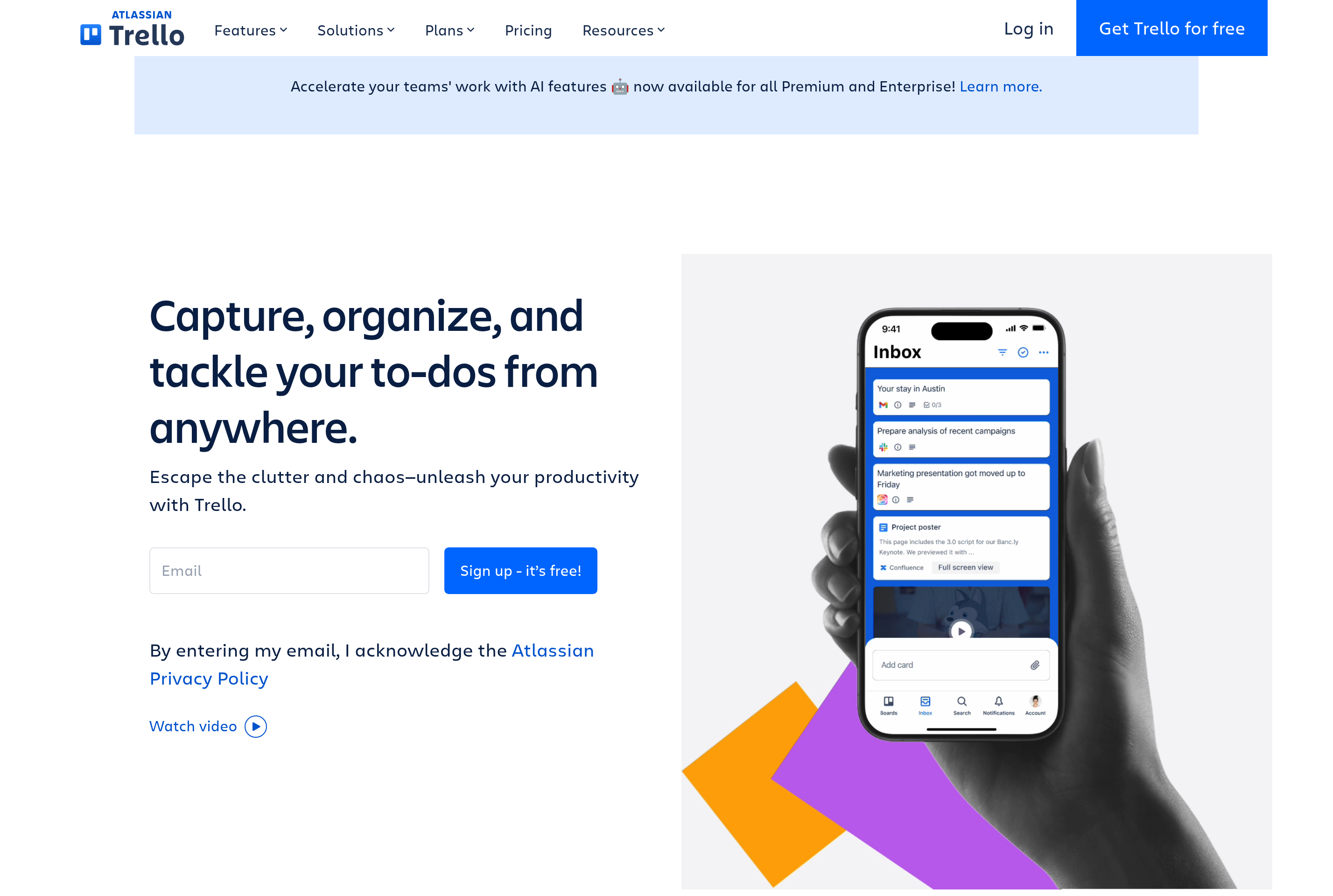
About Trello
Trello is a visual project management tool built around the kanban board metaphor. Work is organized into boards that contain lists, and lists contain cards that move from column to column as tasks progress. Each card can hold checklists, attachments, due dates, labels, and comments.
The app suits small teams, freelancers, and personal use cases that benefit from a simple drag-and-drop view of work in progress. Power-Ups extend boards with calendar views, time tracking, and integrations with services like Slack, Google Drive, and Jira. Butler automation rules can move cards, post reminders, and trigger actions on a schedule.
Trello is part of Atlassian and connects with the broader Atlassian suite for teams that already use Confluence or Jira.
Key features
Kanban boards
Drag cards across lists to track progress through stages like To Do, Doing, and Done.
Card details
Each card holds checklists, attachments, due dates, labels, members, and a comment thread.
Butler automation
Built-in rules automate repetitive actions such as moving cards, assigning members, or sending reminders.
Power-Ups
Add calendar, timeline, voting, and integrations with Slack, Google Drive, GitHub, and many other tools.
Multiple board views
Switch between board, calendar, timeline, table, and dashboard views on paid plans.
Common use cases
- Tracking personal tasks and weekly to-do lists in a single board
- Coordinating small team projects with clear stages and ownership
- Managing editorial calendars and content publication pipelines
- Running lightweight sprint planning for small product teams
Install Trello:
1. Make sure to choose the right OS and Browser in the config section above.
2. and don't hesitate to check it's content.
3. Paste the code in your termial of choice.
4. You can now find and use Trello just like any other app on your OS! 🎉
App Configuration:
| Key | Value |
|---|---|
| Name | Trello |
| Website | https://trello.com/ |
| Developer | Atlassian |
| Category | BusinessApplication |
| Pricing | Freemium |
| Platforms | Web, macOS, Windows, iOS, Android |
| Tags | productivity, todo, tool |
Frequently asked questions
Is Trello free?
Trello has a free plan with unlimited cards and up to 10 boards per Workspace. Standard, Premium, and Enterprise plans add more boards, views, and admin controls.
Does Trello work offline?
The mobile and desktop apps cache recently opened boards but most actions sync only when the device is back online.
Can I export my Trello data?
Yes, boards can be exported as JSON on any plan, and CSV export is available on Standard and higher tiers.
How does Trello compare to Jira?
Trello is simpler and card-driven, while Jira is built for software teams with backlogs, sprints, and detailed issue tracking. Both are made by Atlassian.