

About tldraw
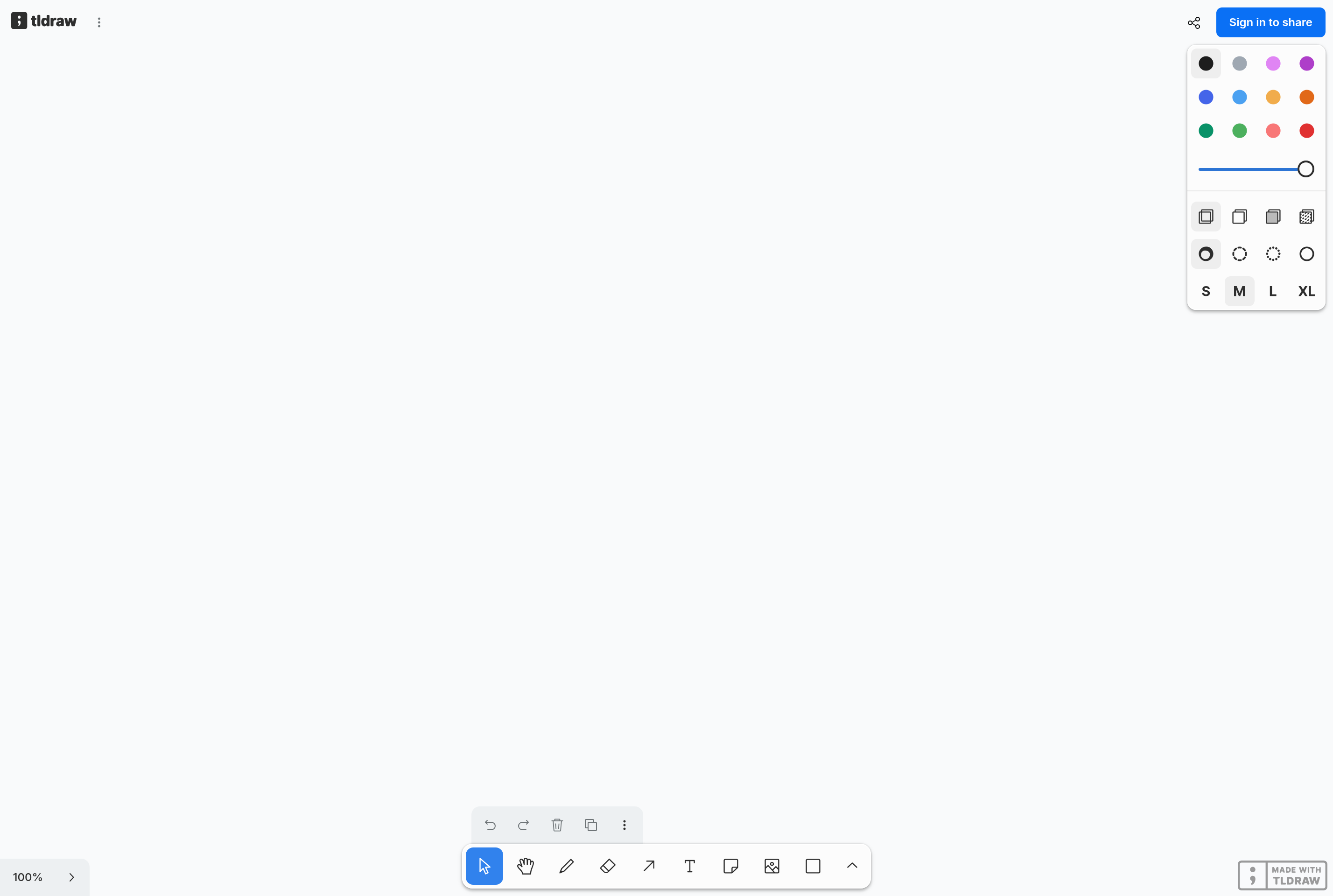
tldraw is a free collaborative whiteboard that runs in the browser. It offers an infinite canvas with shapes, arrows, sticky notes, freehand drawing, text, and embeds, plus real-time multiplayer rooms that let several people sketch on the same board at once.
The interface is intentionally minimal and keyboard-friendly, so it stays close to the speed of pen and paper while adding alignment, snapping, and reusable frames. Boards can be exported as images, SVGs, or PDFs and embedded in other sites.
tldraw is widely used for whiteboarding meetings, drafting diagrams, and prototyping interface flows. It's also distributed as an open-source SDK that developers can drop into their own apps to build custom canvas tools. The hosted tldraw.com app is free to use without an account.
Key features
Infinite canvas
Pan and zoom across an unlimited canvas with shapes, arrows, sticky notes, and freehand strokes.
Real-time multiplayer
Share a room link and several people can edit the same board together with live cursors.
Smart shapes and arrows
Arrows snap to shapes and follow them as they move, keeping diagrams tidy without manual fixes.
Frames and exports
Group content into frames and export individual frames or the whole board as PNG, SVG, or PDF.
Open-source SDK
Developers can embed the tldraw canvas into their own products and build custom shapes and tools.
Common use cases
- Whiteboarding ideas and architecture during remote meetings
- Drafting wireframes and user flows for design discussions
- Sketching diagrams to paste into docs and slides
- Running collaborative brainstorming with sticky notes
- Embedding a custom canvas inside your own product via the SDK
Install tldraw:
1. Make sure to choose the right OS and Browser in the config section above.
2. and don't hesitate to check it's content.
3. Paste the code in your termial of choice.
4. You can now find and use tldraw just like any other app on your OS! 🎉
App Configuration:
| Key | Value |
|---|---|
| Name | tldraw |
| Website | https://www.tldraw.com/ |
| Developer | tldraw GB Ltd. |
| Category | DesignApplication |
| Pricing | Free with paid plans |
| Platforms | Web |
| Tags | drawing, design, diagram |
Frequently asked questions
Is tldraw free?
The hosted tldraw.com app is free to use; paid plans cover persistent rooms, larger uploads, and advanced collaboration features.
Do I need an account?
No account is needed to draw on tldraw.com or join a shared room, though signing up unlocks saving boards to your library.
Can I use tldraw in my own app?
Yes, tldraw is open source and ships as an SDK that developers can embed and extend with custom shapes and tools.
Can I export my drawings?
Yes, boards and individual frames can be exported as PNG, SVG, or PDF, and shared via room links.