
About Substack
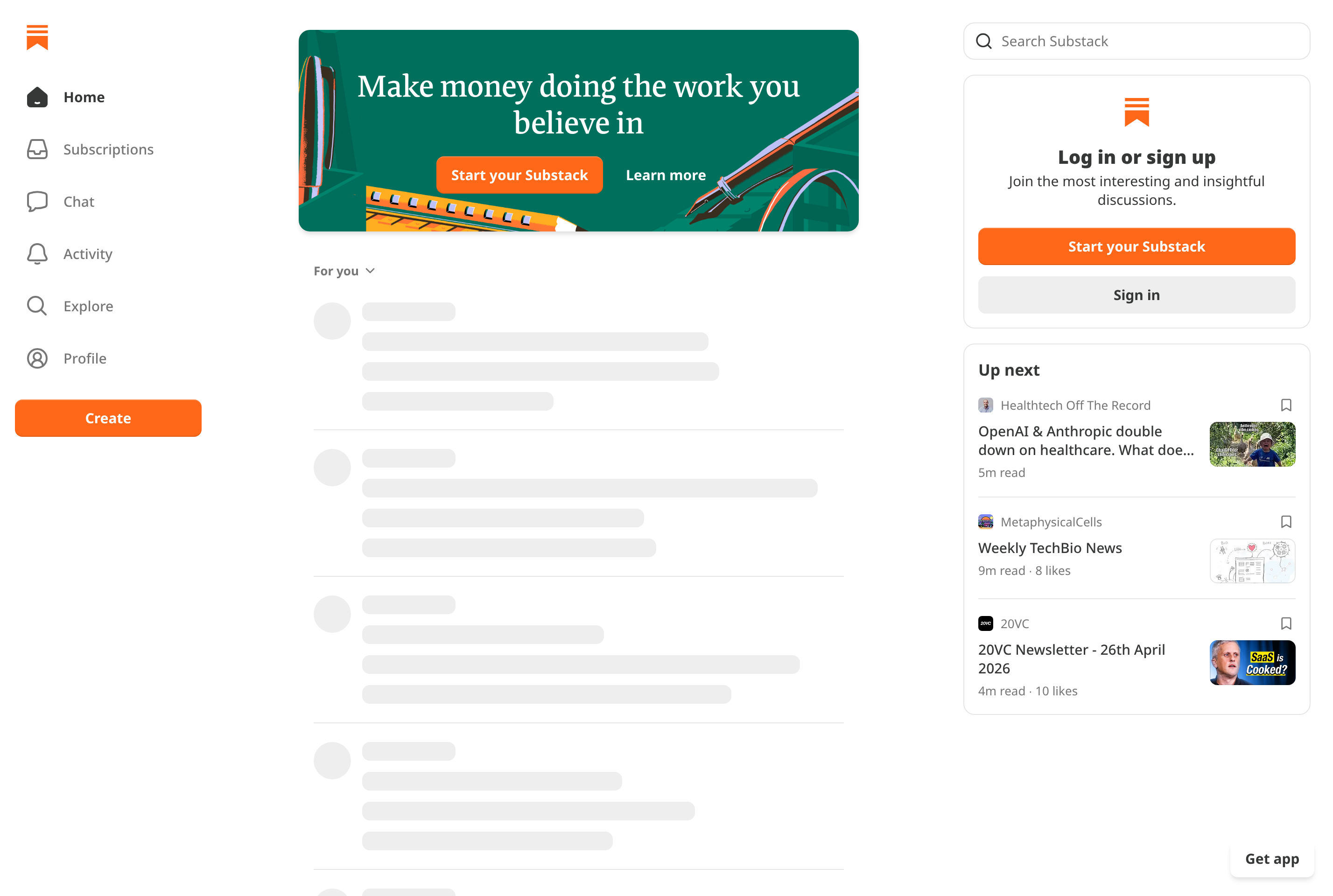
Substack is a publishing platform built around email newsletters and paid subscriptions. Writers create their own publication, publish posts that go out by email and live on the web, and optionally charge readers a monthly or yearly fee for full access.
It handles the operational pieces independent writers usually have to wire up themselves: hosting, mailing lists, payments via Stripe, comments, and a reader app. Beyond text, Substack supports podcasts, video, and short-form Notes, and recommendations between publications help writers find new readers.
Substack is used by journalists, analysts, novelists, and hobbyists to run direct-to-reader publications without a traditional outlet. Reading is free for anyone with the link, but paying subscribers unlock paywalled posts and any subscriber-only community features.
Key features
Email + web publishing
Every post is delivered to subscribers' inboxes and lives on a clean web page at the same time.
Paid subscriptions
Writers can charge monthly or yearly with payments, taxes, and renewals handled through Stripe.
Podcasts and video
Publications can include podcast episodes and video posts alongside written articles.
Notes and recommendations
Short-form Notes and cross-publication recommendations help writers grow their audience.
Reader app and community
A dedicated mobile app surfaces subscriptions, comments, and chat threads with subscribers.
Common use cases
- Running an independent newsletter as a journalist or analyst
- Charging readers directly for in-depth or niche writing
- Distributing a podcast or video series with email follow-ups
- Building a small paid community around a topic or beat
- Migrating an existing mailing list to a hosted platform
Install Substack:
1. Make sure to choose the right OS and Browser in the config section above.
2. and don't hesitate to check it's content.
3. Paste the code in your termial of choice.
4. You can now find and use Substack just like any other app on your OS! 🎉
App Configuration:
| Key | Value |
|---|---|
| Name | Substack |
| Website | https://substack.com/ |
| Developer | Substack Inc. |
| Category | WebApplication |
| Pricing | Free with paid plans |
| Platforms | Web, iOS, Android |
| Tags | news, social, entrepreneurship |
Frequently asked questions
Is Substack free for writers?
Substack is free to start; the company takes a 10% fee on paid subscriptions plus standard Stripe payment processing fees.
Do readers need an account?
Reading public posts only needs an email address, but commenting, paying for a subscription, or using the app requires a free Substack account.
Can I export my subscriber list?
Yes, writers own their subscriber list and email addresses and can export them at any time to move to another platform.
Can I run a podcast on Substack?
Yes, Substack supports podcast hosting with private feeds for paying subscribers and public feeds for free episodes.