

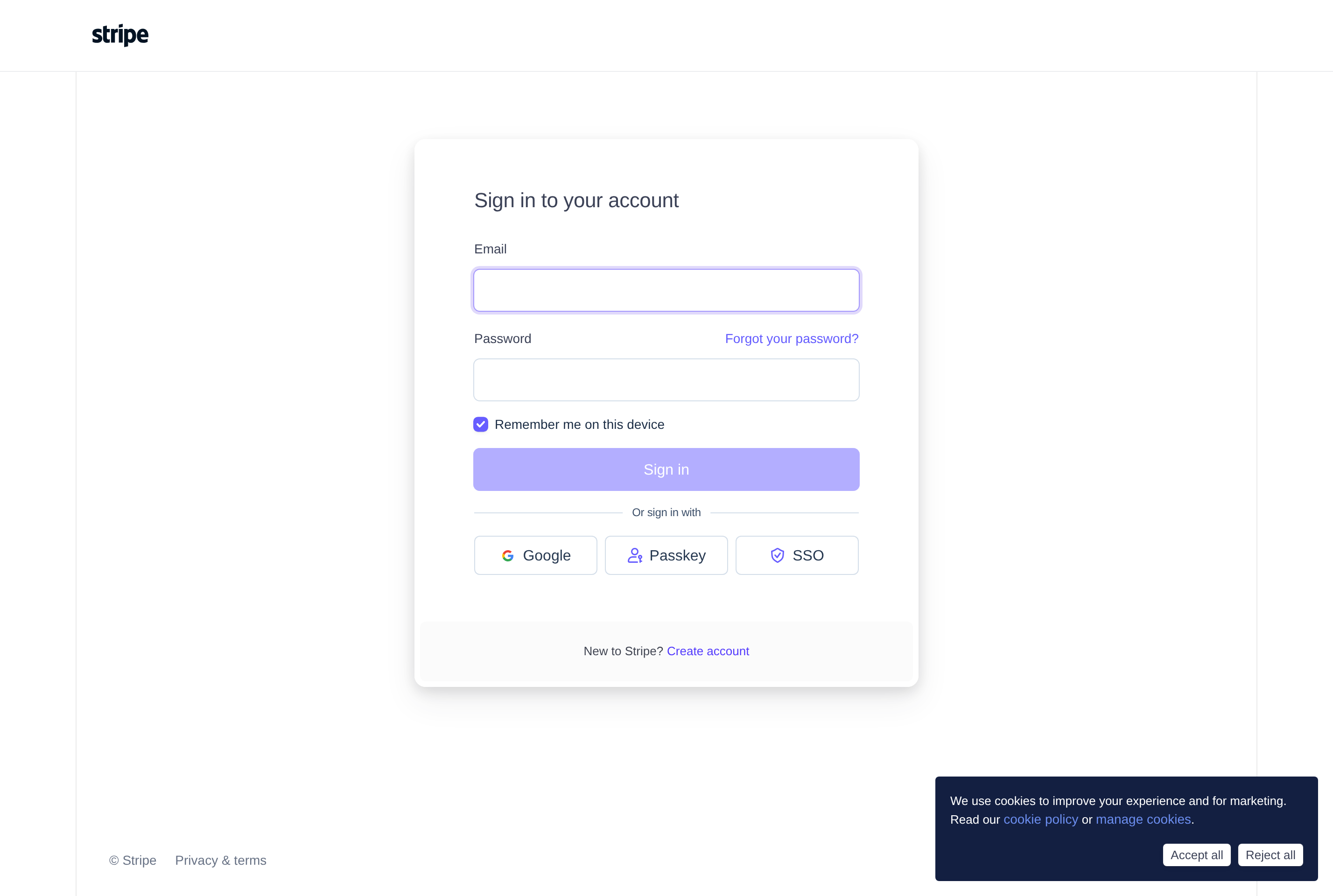
About Stripe Dashboard
The Stripe Dashboard is the web control panel for businesses using Stripe to accept payments online. It surfaces every payment, refund, dispute, customer, and subscription in one searchable interface, alongside the keys, webhooks, and settings used to configure the integration.
From the dashboard, operators can issue refunds, retry failed charges, manage subscriptions and invoices, look up customers, and respond to disputes. Reports cover revenue, payout schedules, fees, and reconciliation data that can be exported for accounting.
It's used daily by founders, finance teams, and customer support to run the operational side of a business: confirming payments, handling refunds, monitoring fraud, and tracking growth. Test mode mirrors the live environment with sample data so changes can be tried safely before going to production.
Key features
Payments and refunds
Browse every charge, capture or refund payments, and retry failed transactions from a single interface.
Customers and subscriptions
View customer profiles, manage subscriptions, change plans, and send invoices directly from the dashboard.
Disputes and fraud tools
Respond to chargebacks, review Radar fraud signals, and tune rules to block risky payments.
Reports and payouts
Track revenue, fees, and payout schedules with exportable reports for accounting and reconciliation.
Test mode and developer tools
A full sandbox, API keys, webhook logs, and event inspector help developers debug integrations safely.
Common use cases
- Monitoring daily revenue, payouts, and outstanding invoices
- Issuing refunds and resolving customer payment issues
- Managing subscriptions, plans, and recurring billing
- Responding to disputes and tuning fraud prevention rules
- Debugging webhook events and API calls during development
Install Stripe Dashboard:
1. Make sure to choose the right OS and Browser in the config section above.
2. and don't hesitate to check it's content.
3. Paste the code in your termial of choice.
4. You can now find and use Stripe Dashboard just like any other app on your OS! 🎉
App Configuration:
| Key | Value |
|---|---|
| Name | Stripe Dashboard |
| Website | https://dashboard.stripe.com/ |
| Developer | Stripe, Inc. |
| Category | FinanceApplication |
| Pricing | Free with paid plans |
| Platforms | Web, iOS, Android |
| Tags | entrepreneurship, tool |
Frequently asked questions
Is the Stripe Dashboard free?
The dashboard itself is free with any Stripe account; Stripe earns through per-transaction fees on processed payments.
Do I need a developer to use it?
No, most operational tasks like refunds, invoices, and subscription changes can be done in the UI without writing code.
Can I export data for accounting?
Yes, the dashboard supports CSV exports of payments, payouts, and custom reports for use in accounting tools.
What is test mode?
Test mode is a sandbox that mirrors the live dashboard with fake payments, letting you verify integrations before going live.