

About Slack
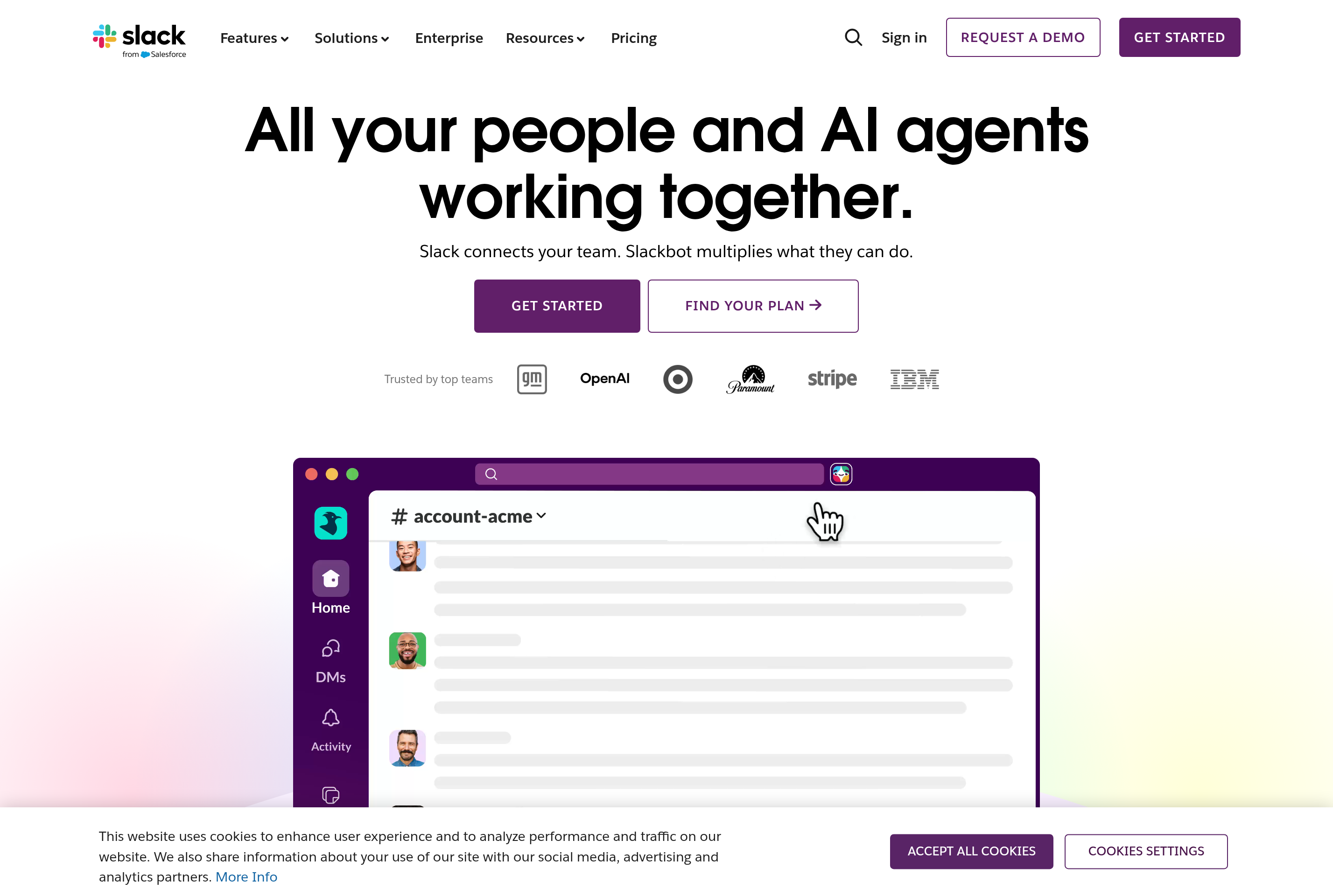
Slack is a messaging platform built for team and workplace communication. Conversations are organized into channels by project, topic, or department, alongside direct messages and group DMs for smaller discussions.
It supports threaded replies, file sharing, voice and video huddles, and message search across the entire workspace history. A large directory of integrations connects Slack to tools like GitHub, Google Drive, Jira, and Salesforce so notifications and actions flow into the same place people are already chatting.
Slack is used by companies of all sizes as the default channel for daily work coordination, incident response, customer support, and cross-team announcements. Workspaces can be open to all employees or invite-only, and Slack Connect lets you share channels with external organizations.
Key features
Channels and DMs
Public, private, and shared channels organize conversations by topic, with direct messages for one-on-one chats.
Threads and reactions
Replies branch into threads so side conversations don't clutter the main channel feed.
Huddles and Clips
Lightweight voice and video calls run directly inside channels alongside short recorded video messages.
App integrations
Thousands of apps and custom workflows pipe alerts, approvals, and tasks into Slack from other tools.
Search and history
Full-text search covers messages, files, and channels so older context is easy to find.
Common use cases
- Coordinating daily work across distributed product and engineering teams
- Running incident response with dedicated channels and bot integrations
- Sharing announcements and updates across a whole company
- Talking with external partners and clients through Slack Connect
- Replacing internal email for quick questions and decisions
Install Slack:
1. Make sure to choose the right OS and Browser in the config section above.
2. and don't hesitate to check it's content.
3. Paste the code in your termial of choice.
4. You can now find and use Slack just like any other app on your OS! 🎉
App Configuration:
| Key | Value |
|---|---|
| Name | Slack |
| Website | https://app.slack.com/ |
| Developer | Slack Technologies (Salesforce) |
| Category | Communication |
| Pricing | Freemium |
| Platforms | Web, macOS, Windows, Linux, iOS, Android |
| Tags | communication, chat |
Frequently asked questions
Is Slack free?
Slack offers a free plan with limited message history and integrations; paid Pro, Business+, and Enterprise tiers unlock full history and admin features.
Do I need an invite to join a workspace?
Yes, each Slack workspace is private and requires an invitation or matching email domain to join.
Can I talk to people outside my company?
Slack Connect lets you share channels and DMs with people from other organizations on paid plans.
Does Slack store messages forever?
On the free plan only the most recent 90 days of history are accessible; paid plans retain the full message archive.