

About Photopea
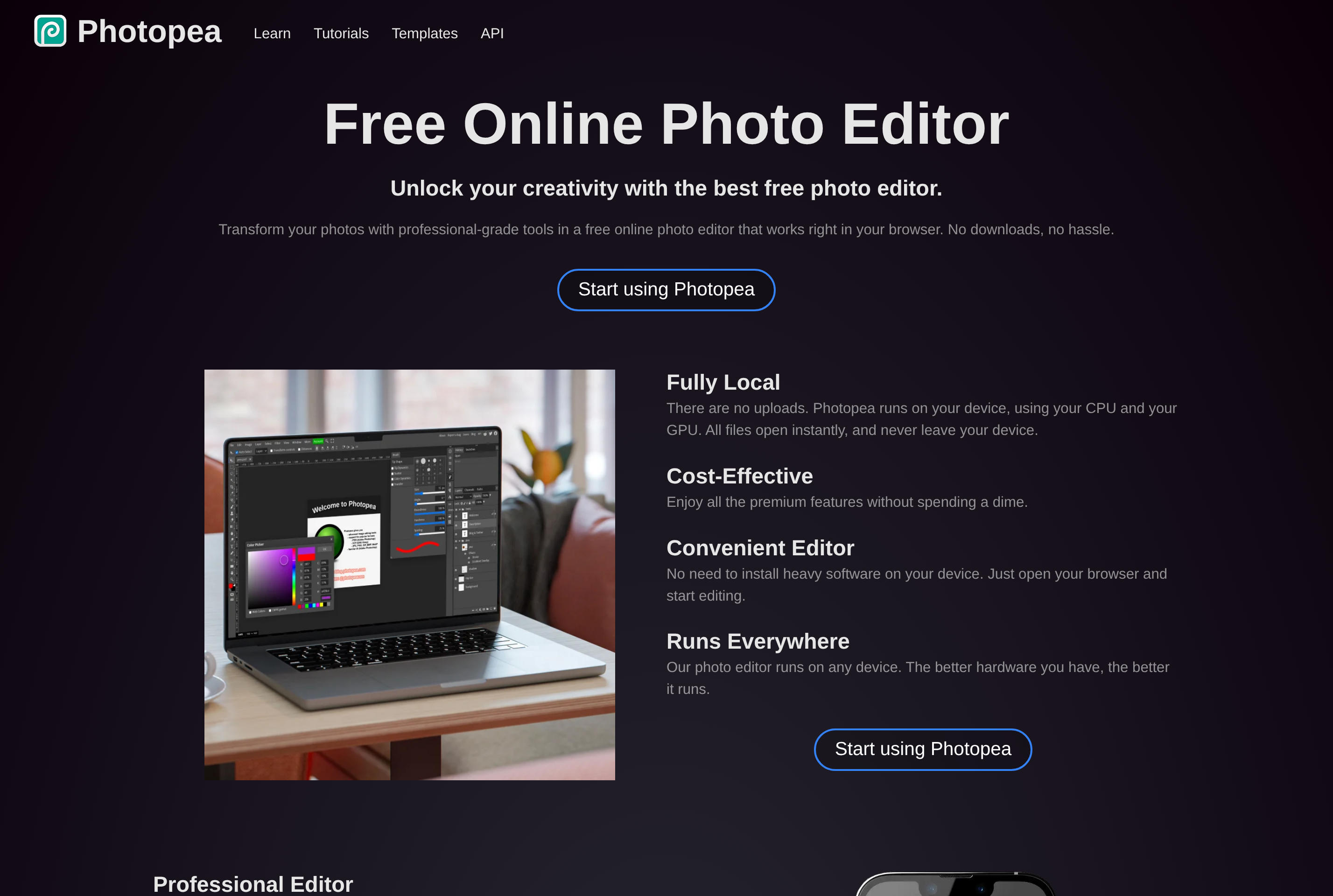
Photopea is a free image editor that runs entirely in the web browser. It mirrors the interface and shortcuts of Photoshop closely, which makes it a low-friction alternative for retouching photos, designing graphics, and editing artwork without installing software.
It opens and saves PSD files natively, along with formats from other tools such as Sketch, XD, Figma, AI, GIMP's XCF, and standard image formats like PNG, JPEG, WebP, SVG, and RAW. Layers, masks, smart objects, adjustment layers, blend modes, and most filter effects work as designers expect.
Photopea runs locally in the browser, so files do not need to be uploaded to a server. It is supported by ads and offers a low-cost premium tier that removes them and lifts a few limits. It is a popular pick for one-off edits, students, and anyone who needs Photoshop-style editing on a Chromebook, Linux machine, or any computer without a subscription.
Key features
PSD compatibility
Open, edit, and save Photoshop PSD files including layers, masks, smart objects, and adjustment layers.
Multi-format support
Read and write PSD, AI, Sketch, XD, Figma, XCF, RAW, SVG, PDF, PNG, JPEG, WebP, and more.
Local processing
Files are processed in your browser instead of uploaded to a server, so your images stay on your device.
Familiar tools
Brush, pen, selection, retouching, and text tools follow Photoshop conventions and keyboard shortcuts.
Layer effects and filters
Apply blend modes, layer styles, smart filters, and transformations on layered compositions.
Common use cases
- Editing PSD files on devices without Photoshop installed
- Retouching photos and removing backgrounds
- Designing social media graphics and banners
- Converting between PSD, AI, SVG, and other formats
- Teaching image editing in a browser-only classroom
Install Photopea:
1. Make sure to choose the right OS and Browser in the config section above.
2. and don't hesitate to check it's content.
3. Paste the code in your termial of choice.
4. You can now find and use Photopea just like any other app on your OS! 🎉
App Configuration:
| Key | Value |
|---|---|
| Name | Photopea |
| Website | https://www.photopea.com/ |
| Developer | Ivan Kutskir |
| Category | DesignApplication |
| Pricing | Free with paid plans |
| Platforms | Web |
| Tags | design, tool |
Frequently asked questions
Is Photopea free?
Yes, Photopea is free and supported by ads. A low-cost Premium subscription removes ads and lifts a few session limits.
Do I need an account?
No, you can use Photopea without creating an account. An account is only needed if you subscribe to Premium.
Are my files uploaded to a server?
No, Photopea processes images locally in your browser. Files are not uploaded unless you explicitly use a cloud storage option.
Can it open Photoshop files?
Yes, Photopea opens and saves PSD files with most layer features intact, and it also handles AI, Sketch, XD, and Figma files.