

About Penpot
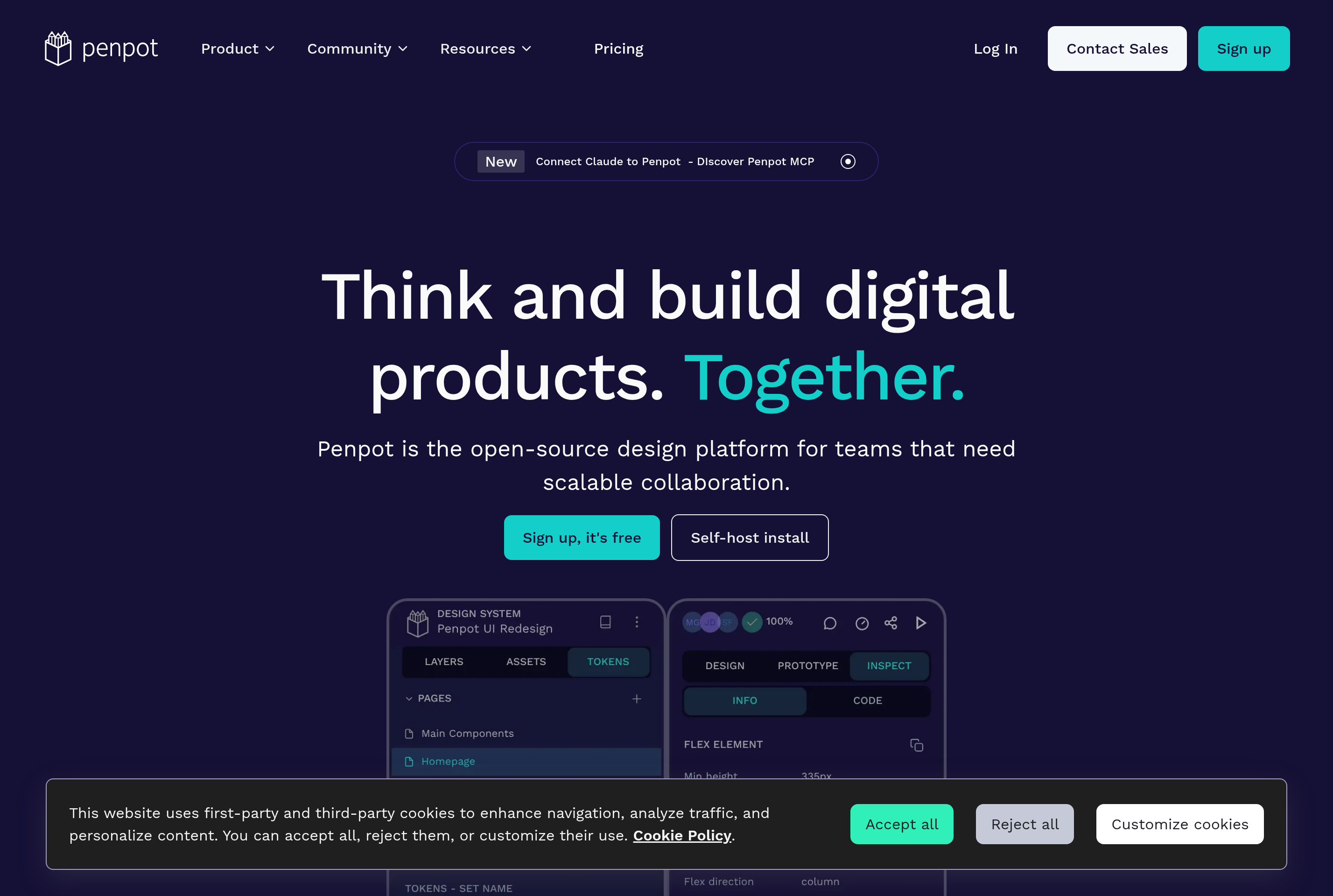
Penpot is an open-source design and prototyping platform built for cross-functional teams of designers and developers. It runs in the browser and uses open web standards, including SVG and CSS, as the native format of every design file.
The tool covers the full product design workflow: vector editing, layout with flex and grid, components and design systems, interactive prototypes, and dev handoff with ready-to-copy CSS. Because files are SVG-based, designs translate directly to code that engineers can use without an export step.
Penpot is positioned as a free, vendor-neutral alternative to closed design tools. It can be used on the hosted SaaS at design.penpot.app or self-hosted via Docker for teams that need full control over their data. It is developed by Kaleidos and licensed under the Mozilla Public License.
Key features
Open file format
Designs are SVG-based and use open web standards, so files are portable and not locked into a proprietary format.
Components and libraries
Build reusable components with variants and shared libraries that stay in sync across files and teams.
Flex and grid layout
Apply flexbox and CSS grid directly inside the canvas so designs reflect how they will be built in code.
Interactive prototyping
Wire up screens with transitions, overlays, and flows to validate user journeys before development.
Dev mode and CSS export
Inspect any element to copy ready-to-use CSS, design tokens, and assets for engineering handoff.
Self-hosting
Deploy Penpot on your own infrastructure with Docker for full data ownership and on-premise compliance.
Common use cases
- Designing web and mobile interfaces with an open file format
- Building and maintaining a shared design system
- Prototyping user flows and validating interactions
- Handing off designs to engineers with CSS and tokens
- Self-hosting a design tool inside a regulated organization
Install Penpot:
1. Make sure to choose the right OS and Browser in the config section above.
2. and don't hesitate to check it's content.
3. Paste the code in your termial of choice.
4. You can now find and use Penpot just like any other app on your OS! 🎉
App Configuration:
| Key | Value |
|---|---|
| Name | Penpot |
| Website | https://design.penpot.app/ |
| Developer | Kaleidos |
| Category | DesignApplication |
| Pricing | Open source / free |
| Platforms | Web, macOS, Windows, Linux |
| Tags | design, prototyping, ui |
Frequently asked questions
Is Penpot free?
Yes, Penpot is free and open-source under the MPL license. The hosted version at design.penpot.app is free, with paid options for organizations.
Can I self-host Penpot?
Yes, Penpot publishes Docker images and documentation for self-hosting on your own server or private cloud.
How does Penpot compare to Figma?
Penpot covers similar use cases, including UI design, components, and prototyping, but uses open standards and SVG as the native format.
Can I import Figma files?
Penpot offers an import path for Figma files via export packages, with ongoing improvements to fidelity and feature coverage.