

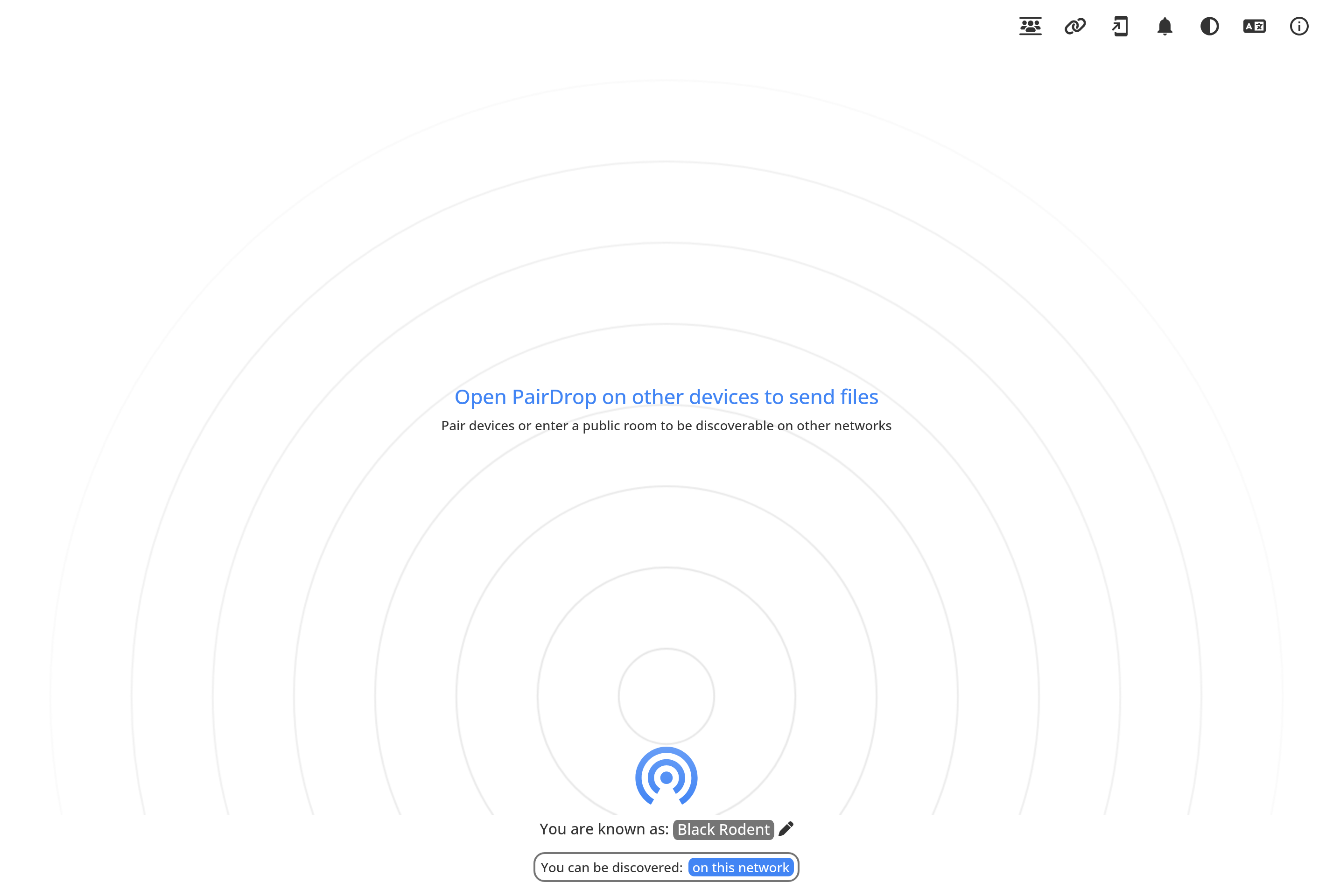
About PairDrop
PairDrop is an open-source web application that lets you transfer files and short messages between devices on the same local network, or between any two devices that share a temporary pairing code. It works entirely in the browser without installing an app or creating an account.
It is a fork of Snapdrop and is often used as a cross-platform AirDrop alternative. Devices on the same Wi-Fi network discover each other automatically, while pairing codes and public rooms make it possible to send files between phones and computers across different networks. Transfers happen peer-to-peer over WebRTC, so the files do not pass through a central server.
PairDrop is suitable for moving photos, documents, or links between a laptop, phone, tablet, or someone else's device without USB cables, email attachments, or cloud uploads. The project is community-maintained and self-hostable.
Key features
Peer-to-peer transfers
Files travel directly between devices over WebRTC without being uploaded to a third-party server.
Local network discovery
Devices on the same Wi-Fi automatically appear in each other's list with no setup required.
Pairing codes and public rooms
Connect devices on different networks with a temporary code or a shared public room name.
No account needed
Open the website on both devices and start transferring; nothing to install, no sign-up flow.
Open source and self-hostable
The full source code is on GitHub under GPL and the service can be hosted on your own infrastructure.
Common use cases
- Sending photos from a phone to a laptop without cables or cloud uploads
- Sharing documents quickly between two computers on the same network
- Moving files between a friend's device and yours without messaging apps
- Beaming a link or short note from one browser to another
- Self-hosting a private file-sharing service for a home or office
Install PairDrop:
1. Make sure to choose the right OS and Browser in the config section above.
2. and don't hesitate to check it's content.
3. Paste the code in your termial of choice.
4. You can now find and use PairDrop just like any other app on your OS! 🎉
App Configuration:
| Key | Value |
|---|---|
| Name | PairDrop |
| Website | https://pairdrop.net/ |
| Developer | PairDrop community |
| Category | UtilitiesApplication |
| Pricing | Open source / free |
| Platforms | Web |
| Tags | tool, communication, productivity |
Frequently asked questions
Is PairDrop really free?
Yes, PairDrop is free, open-source software released under the GPL, and the public instance at pairdrop.net is free to use.
Do my files go through a server?
No, transfers are peer-to-peer over WebRTC. A signaling server only helps devices find each other; the file data flows directly between them.
Does it work between devices on different networks?
Yes, you can use a temporary pairing code or a shared public room name to connect devices that are not on the same Wi-Fi.
Can I self-host PairDrop?
Yes, the project provides Docker images and source code so you can run PairDrop on your own server for a home or company network.