
About Notion
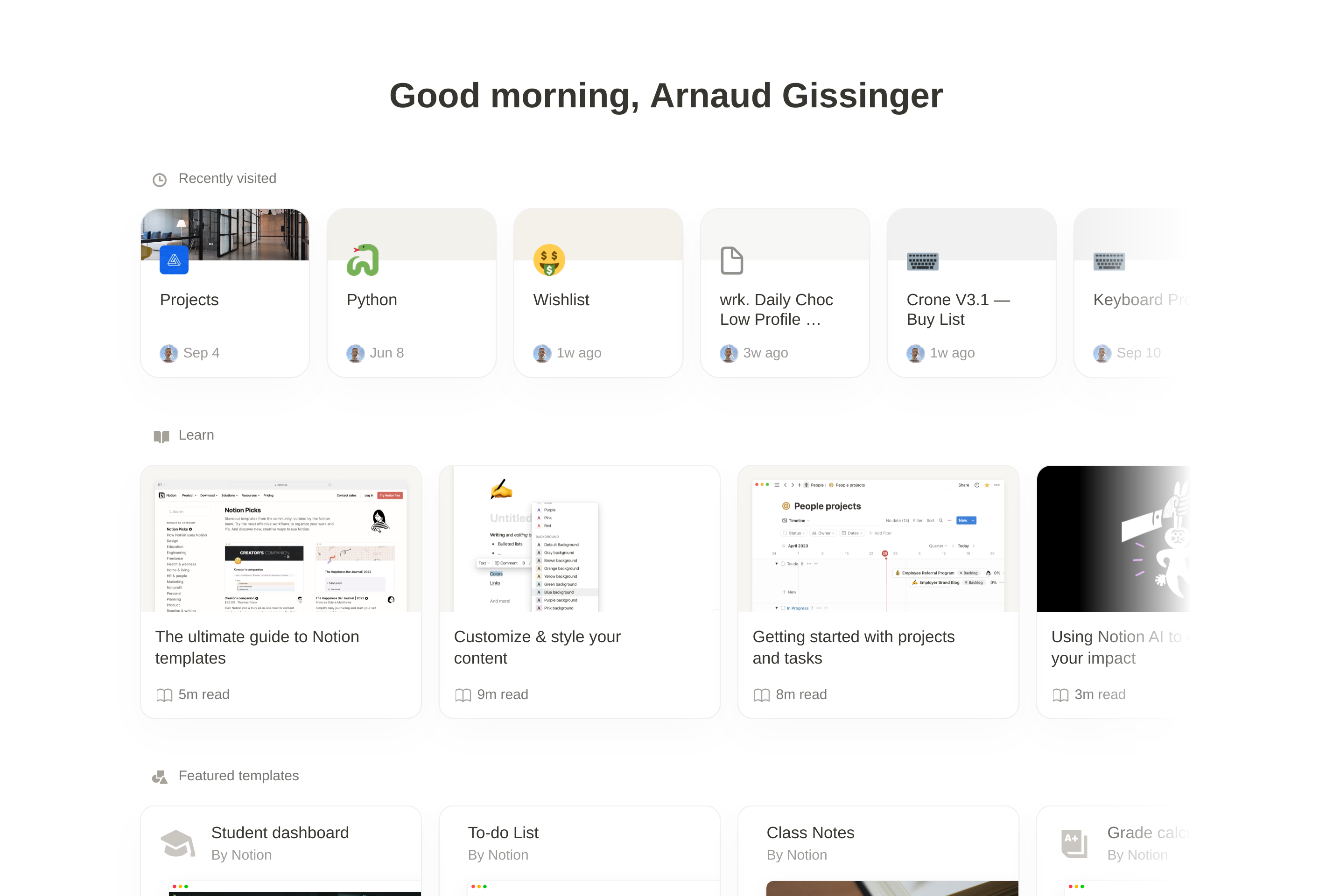
Notion is an all-in-one workspace that combines documents, databases, wikis, and project boards in a single linked tree of pages. Pages are built from blocks like text, headings, tables, and embeds, and any database can be viewed as a table, board, calendar, list, gallery, or timeline.
Individuals use it for personal notes, journaling, and habit tracking, while teams use it for company wikis, product specs, meeting notes, and lightweight project management. Sharing is granular: pages can be private, shared with specific people, or published as public sites.
Notion AI adds writing, summarization, and Q&A on top of workspace content, and a growing template gallery and API ecosystem make it easy to start from existing setups or integrate Notion with other tools.
Key features
Block-based editor
Build pages from rich blocks including text, tables, toggles, embeds, and synced content.
Flexible databases
The same data can be displayed as a table, board, calendar, gallery, list, or timeline view.
Team wikis
Verified pages, owners, and structured navigation make Notion suitable for company-wide knowledge bases.
Notion AI
AI features can draft, summarize, translate, and answer questions using content from your workspace.
Templates and API
Thousands of community templates and a public API help bootstrap setups and integrate with other tools.
Granular sharing
Pages can be kept private, shared with specific people, or published as public sites with a single switch.
Common use cases
- Building a personal second brain for notes, tasks, and reading lists
- Running a company wiki with onboarding docs and team handbooks
- Tracking projects with linked databases and timeline views
- Writing and reviewing product specs collaboratively with comments
- Publishing a lightweight public site or portfolio from a Notion page
Install Notion:
1. Make sure to choose the right OS and Browser in the config section above.
2. and don't hesitate to check it's content.
3. Paste the code in your termial of choice.
4. You can now find and use Notion just like any other app on your OS! 🎉
App Configuration:
| Key | Value |
|---|---|
| Name | Notion |
| Website | https://www.notion.so |
| Developer | Notion Labs, Inc. |
| Category | Productivity |
| Pricing | Freemium |
| Platforms | Web, macOS, Windows, iOS, Android |
| Tags | notes, tool |
Frequently asked questions
Is Notion free?
Notion has a free Personal plan with unlimited pages; Plus, Business, and Enterprise tiers add more guests, history, and admin features.
Does Notion work offline?
Recently opened pages are cached for offline viewing, but full offline editing and search require a connection.
Can I export my data?
Yes, pages and workspaces can be exported as Markdown, HTML, PDF, or CSV at any time.
Is Notion AI included?
Notion AI is an add-on with its own price per member, although Business and Enterprise plans bundle it on certain offers.