

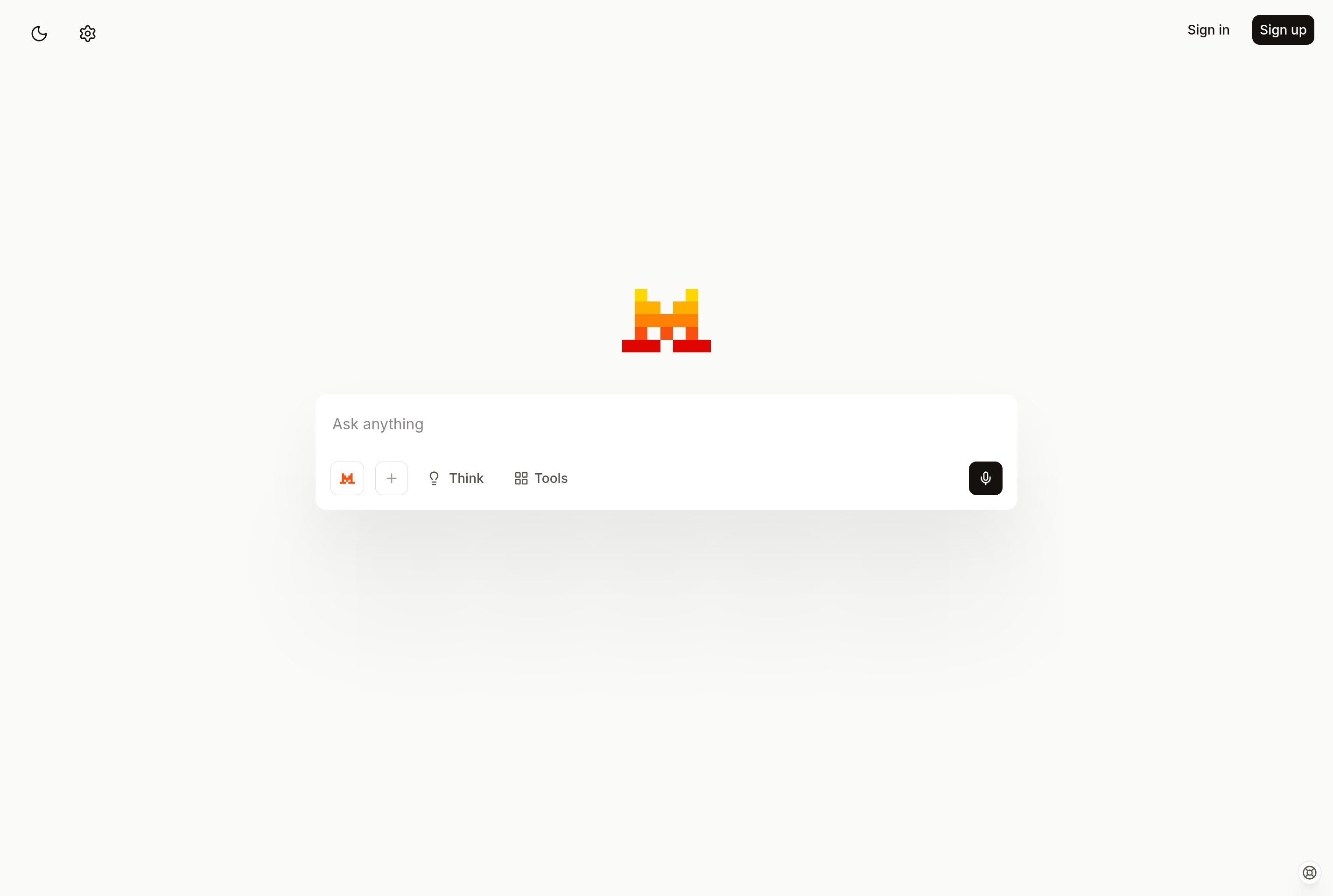
About Le Chat
Le Chat is the conversational AI assistant developed by Mistral AI, a French research lab known for its open-weights large language models. It provides a chat interface for asking questions, drafting and editing text, writing code, and working with documents and images.
Le Chat draws on Mistral's family of models, including frontier-tier models for complex reasoning and smaller, faster models for everyday queries. The assistant supports web search to ground answers in current information, code execution, image generation, and document uploads. It also offers Agents and Connectors that link the assistant to external data sources and workflows.
The service is positioned as a European alternative to other large AI assistants, with hosting in the EU and a focus on data sovereignty. It is used by individuals, developers, and enterprises that want a sovereign assistant with strong multilingual support, especially in French.
Key features
Mistral models
Chat with Mistral's frontier and lightweight models, including reasoning-capable variants for complex tasks.
Web search
Le Chat can browse the web in real time to answer questions about recent events with cited sources.
Image generation
Generate images directly inside the chat from text prompts without switching tools.
Document analysis
Upload PDFs, spreadsheets, and other documents to summarize, extract data, or ask questions about them.
Code interpreter
Run Python in a sandbox to crunch numbers, plot charts, and validate logic without leaving the chat.
Agents and connectors
Build custom assistants that connect to external data sources and run multi-step workflows.
Common use cases
- Drafting and editing emails, articles, and reports in French or English
- Searching the web for up-to-date answers with cited sources
- Summarizing PDFs, contracts, and meeting notes
- Generating and debugging code snippets across languages
- Building custom agents for repetitive workplace tasks
Install Le Chat:
1. Make sure to choose the right OS and Browser in the config section above.
2. and don't hesitate to check it's content.
3. Paste the code in your termial of choice.
4. You can now find and use Le Chat just like any other app on your OS! 🎉
App Configuration:
| Key | Value |
|---|---|
| Name | Le Chat |
| Website | https://chat.mistral.ai/ |
| Developer | Mistral AI |
| Category | WebApplication |
| Pricing | Freemium |
| Platforms | Web, iOS, Android |
| Tags | ai, tool |
Frequently asked questions
Is Le Chat free?
Le Chat has a free tier with access to standard models. Pro and Team plans add higher limits, premium models, and priority access.
Where is my data stored?
Mistral is a European company and offers EU hosting, which is a key differentiator for users with data sovereignty requirements.
Are Mistral's models open source?
Several Mistral models are released under open weights for self-hosting, while frontier and commercial models remain proprietary.
Can Le Chat access the internet?
Yes, Le Chat includes a web search mode that fetches current information and includes citations in responses.