

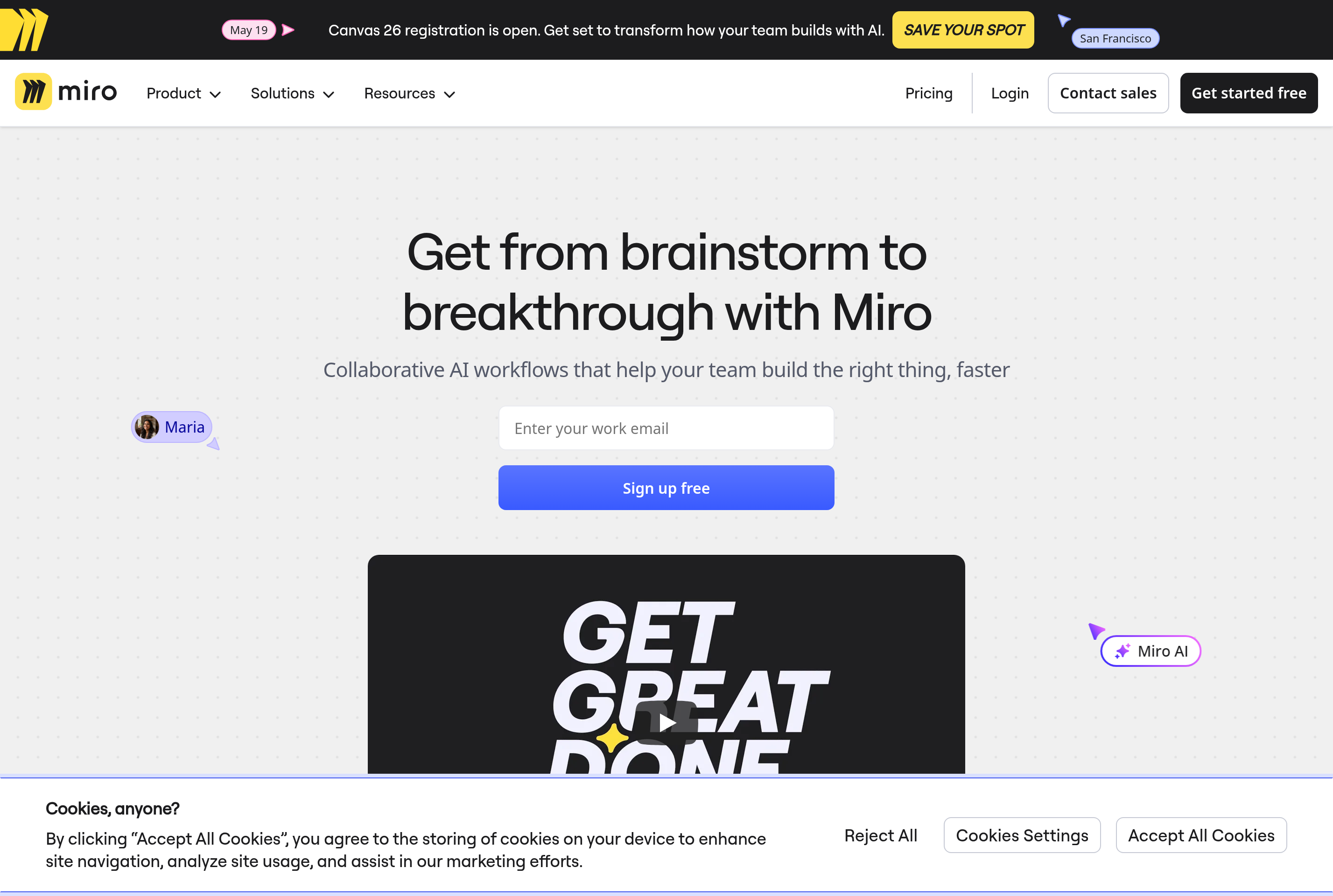
About Miro
Miro is an online collaborative whiteboard where distributed teams can brainstorm, diagram, plan projects, and run workshops on an infinite canvas. Multiple participants can edit the same board at the same time with live cursors, voting, timers, and other facilitation tools.
The platform ships with a large library of templates for common ceremonies such as retrospectives, customer journey maps, user story mapping, flowcharts, and design sprints. It also includes drawing tools, sticky notes, shapes, mind maps, Kanban frames, and embeds for documents, prototypes, and web content.
Miro is used by product, design, engineering, and consulting teams as a virtual meeting room. It integrates with Slack, Microsoft Teams, Jira, Confluence, Figma, and most major videoconferencing tools, and offers SSO, audit logs, and granular permissions for enterprise customers.
Key features
Infinite canvas
Pan and zoom across an unlimited workspace with sticky notes, shapes, drawings, and frames in any layout.
Real-time collaboration
See live cursors, follow other participants, and co-edit with reactions, voting, and a built-in timer.
Template library
Hundreds of ready-made templates for retrospectives, journey maps, brainstorms, and product ceremonies.
Diagramming tools
Build flowcharts, ERDs, BPMN, mind maps, and architecture diagrams with smart connectors and shape libraries.
Integrations
Connect with Jira, Confluence, Asana, Figma, Slack, Teams, and Zoom to bring data and conversations onto the board.
Common use cases
- Running remote design sprints and ideation workshops
- Mapping customer journeys and user research findings
- Diagramming system architecture and process flows
- Facilitating retrospectives and team rituals
- Planning roadmaps and dependencies across teams
Install Miro:
1. Make sure to choose the right OS and Browser in the config section above.
2. and don't hesitate to check it's content.
3. Paste the code in your termial of choice.
4. You can now find and use Miro just like any other app on your OS! 🎉
App Configuration:
| Key | Value |
|---|---|
| Name | Miro |
| Website | https://miro.com/ |
| Developer | Miro |
| Category | BusinessApplication |
| Pricing | Freemium |
| Platforms | Web, macOS, Windows, iOS, Android |
| Tags | design, diagram, productivity |
Frequently asked questions
Is Miro free?
Miro has a Free plan with up to three editable boards. Starter, Business, and Enterprise plans unlock unlimited boards and advanced features.
How many people can collaborate on a board?
Miro supports hundreds of concurrent editors per board on paid plans, with viewer and commenter roles for guests.
Can I use Miro offline?
Miro requires an internet connection for live collaboration, but the desktop apps offer limited viewing and basic editing of recent boards.
Does Miro integrate with Jira and Figma?
Yes, Miro has official integrations with Jira, Confluence, Figma, Asana, Slack, Teams, and many other workplace tools.