
About Mastodon
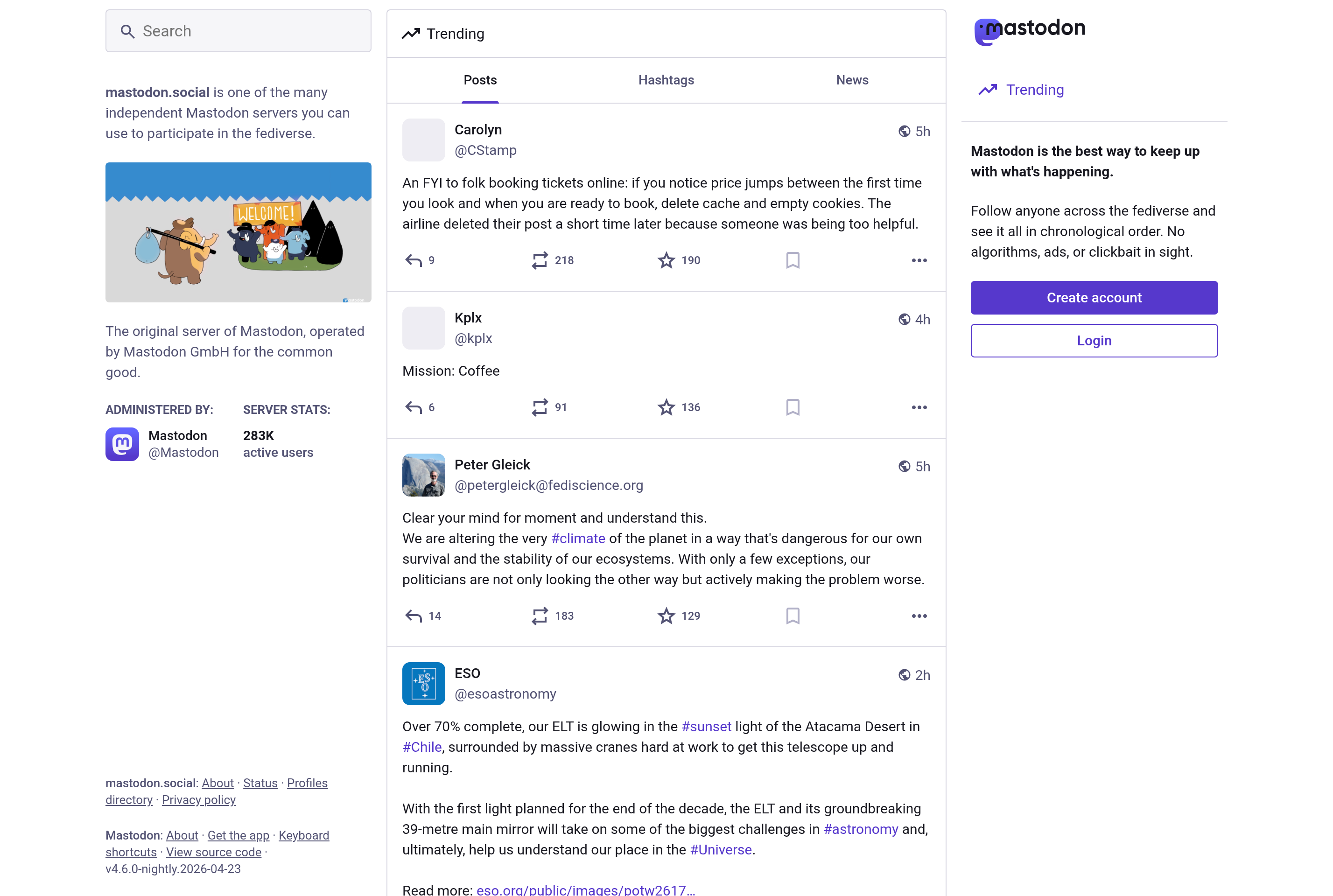
Mastodon is a free, open-source, decentralized social network. Instead of being run by a single company, it is made up of thousands of independently operated servers (called instances) that talk to each other through the ActivityPub protocol, forming the wider fediverse.
Users create an account on any instance and can still follow, reply to, and boost posts from people on other instances. Each server sets its own moderation rules and code of conduct, so communities can be small and topical or large and general. There are no algorithmic feeds, no ads, and no tracking by default.
Mastodon is used by journalists, researchers, developers, artists, and anyone looking for a microblogging experience similar to early Twitter without a central owner. Posts can be up to 500 characters by default, and the platform supports images, video, polls, and content warnings.
Key features
Federated network
Follow and interact with users across thousands of independent servers using the open ActivityPub protocol.
Chronological timeline
Posts appear in the order they were published, with no algorithmic ranking or injected ads.
Content warnings
Wrap sensitive content behind a click-through warning so feeds stay readable for everyone.
Self-hosting
Anyone can run their own Mastodon server with custom rules, branding, and moderation policies.
Open source
The full source code is published on GitHub under AGPL, allowing audit, contribution, and forking.
Common use cases
- Microblogging without algorithmic feeds or ads
- Building topical communities with custom moderation rules
- Following journalists, scientists, and developers across the fediverse
- Self-hosting a private or organizational social network
- Cross-posting from other ActivityPub services like Pixelfed or PeerTube
Install Mastodon:
1. Make sure to choose the right OS and Browser in the config section above.
2. and don't hesitate to check it's content.
3. Paste the code in your termial of choice.
4. You can now find and use Mastodon just like any other app on your OS! 🎉
App Configuration:
| Key | Value |
|---|---|
| Name | Mastodon |
| Website | https://mastodon.social/ |
| Developer | Mastodon gGmbH |
| Category | SocialNetworkingApplication |
| Pricing | Open source / free |
| Platforms | Web, iOS, Android |
| Tags | social, communication |
Frequently asked questions
Is Mastodon free?
Yes, using Mastodon is free. Some instances accept donations to cover server costs, but accounts and posting are free of charge.
Which server should I join?
You can pick any instance based on language, topic, or moderation policy. mastodon.social is the largest, but you can move accounts later.
Can I move my account to a different server?
Yes, Mastodon supports account migration that brings your followers and follow list with you to the new instance.
Does Mastodon have ads?
No, Mastodon has no advertising and no tracking. Servers are typically funded by donations or by the organization that runs them.