
About Google Calendar
Google Calendar is Google's web-based calendar service for personal and professional scheduling. It supports multiple calendars per account, shared calendars across teams, recurring events, reminders, tasks, and notifications across desktop and mobile.
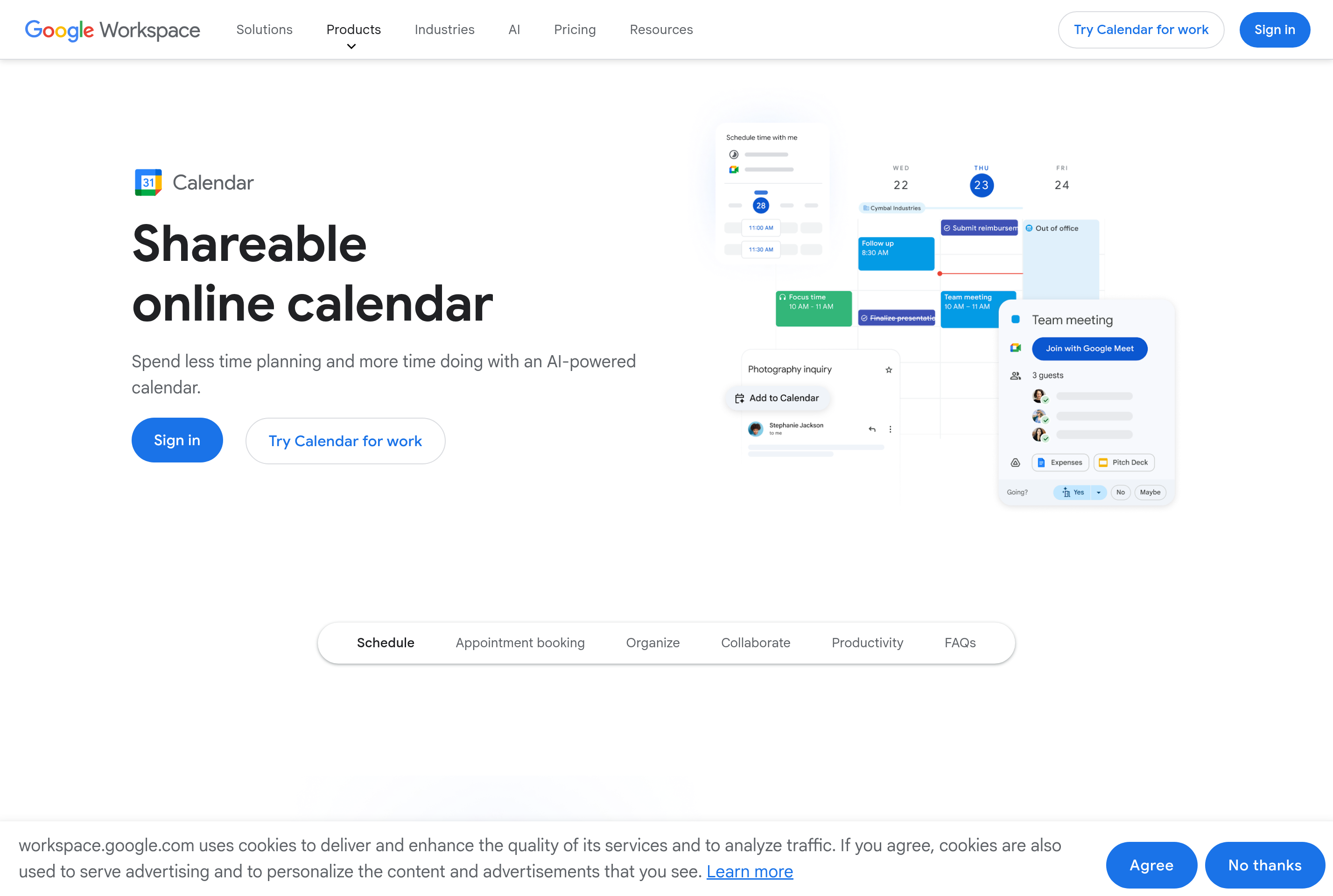
Meetings can be created with built-in Google Meet video links, attached agendas, attached files from Drive, and automatic time-zone conversion for attendees. Find a Time and appointment scheduling pages help coordinate availability without back-and-forth emails.
It integrates closely with Gmail, Drive, Tasks, and Workspace apps, and supports the standard CalDAV and iCal formats so events can flow in and out of other calendar tools. The free tier covers most personal needs, while Workspace plans add organization-wide features for businesses and schools.
Key features
Multiple calendars
Layer personal, work, and shared calendars in one view with per-calendar colors and visibility.
Google Meet integration
Add a video meeting link to any event with one click, including dial-in numbers on Workspace plans.
Find a Time
See attendees' availability side by side and pick a slot that works for everyone.
Appointment scheduling
Share a booking page so others can pick available slots without emailing back and forth.
Cross-device sync
Events sync instantly between web, Android, iOS, and supported third-party calendar clients.
Common use cases
- Scheduling team meetings with shared availability and Meet links
- Coordinating personal and work calendars in one overlaid view
- Letting clients book appointments through a public scheduling page
- Receiving reminders and notifications for upcoming events on any device
Install Google Calendar:
1. Make sure to choose the right OS and Browser in the config section above.
2. and don't hesitate to check it's content.
3. Paste the code in your termial of choice.
4. You can now find and use Google Calendar just like any other app on your OS! 🎉
App Configuration:
| Key | Value |
|---|---|
| Name | Google Calendar |
| Website | https://calendar.google.com/ |
| Developer | Google LLC |
| Category | Productivity |
| Pricing | Free with paid plans |
| Platforms | Web, iOS, Android |
| Tags | productivity, todo |
Frequently asked questions
Is Google Calendar free?
Yes, it is free with a personal Google account; Google Workspace adds business features for paid organizations.
Can I share calendars with others?
Yes, calendars can be shared with view, edit, or manage permissions per person or domain.
Does it work offline?
The mobile apps support offline viewing, and the web app caches recent events; new edits sync once back online.
Can I import events from other calendars?
Yes, Google Calendar supports importing iCal/ICS files and subscribing to external calendar URLs.