
About Framer
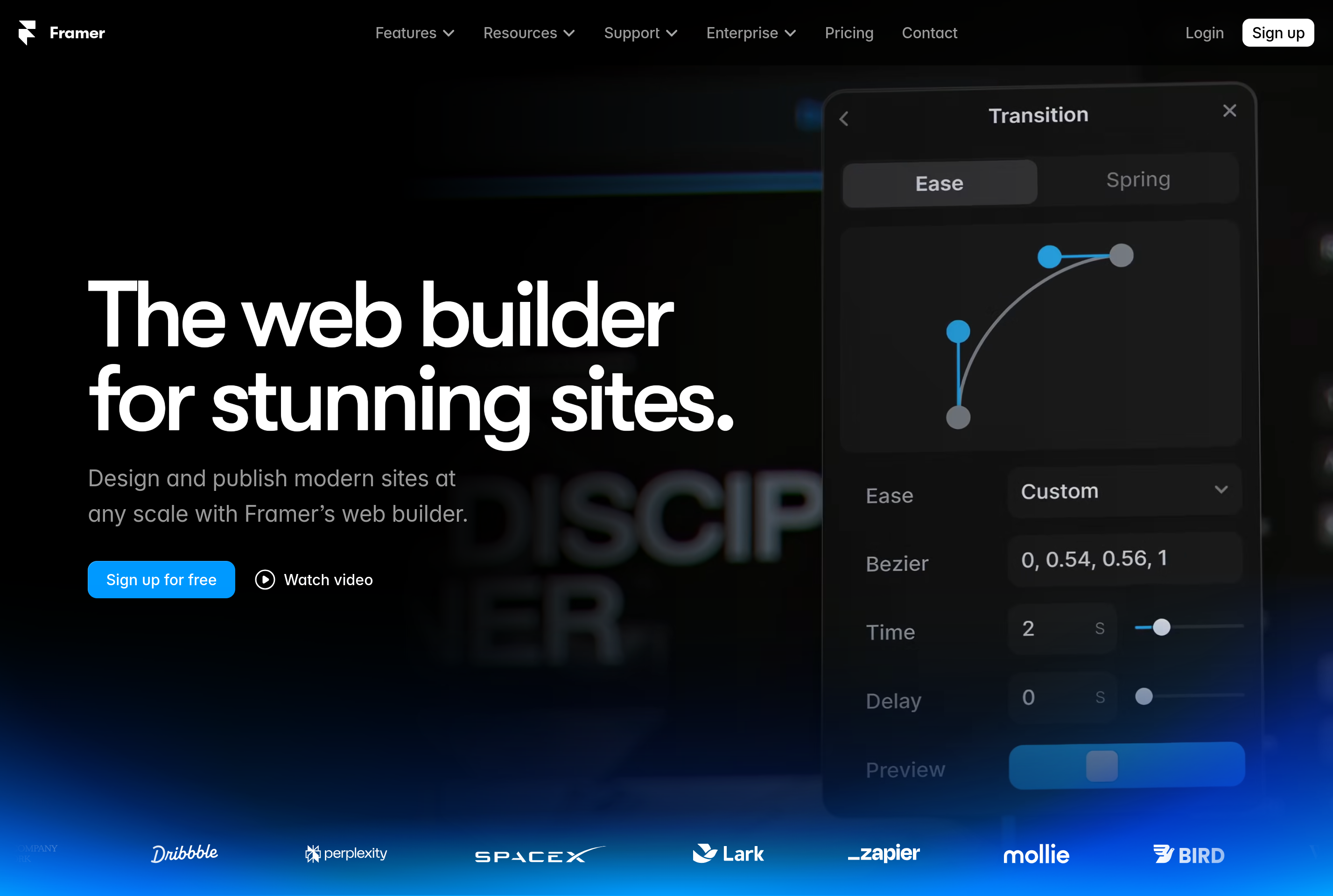
Framer is a no-code website builder aimed at designers and small teams. It combines a visual canvas similar to design tools with a publishing engine, so the artboard you arrange on screen is the same one that ships to production. Layouts use auto-layout and breakpoints to adapt cleanly across desktop, tablet, and mobile.
The product is geared toward marketing sites, landing pages, portfolios, and content-led sites, with a built-in CMS for collections like blog posts and case studies. Animations, interactions, and effects are configured visually rather than written in code.
Framer hosts the published sites on its own infrastructure with a global CDN, custom domains, SSL, and analytics. It also supports custom code and React-based components for teams that need to extend the visual editor with their own logic.
Key features
Visual website builder
Design and publish responsive sites on a canvas without writing HTML or CSS.
Built-in CMS
Manage collections like posts and case studies and bind them to designed templates.
Animations and effects
Add scroll, hover, and page transitions visually with fine-grained timing controls.
Responsive breakpoints
Tune layouts per screen size while keeping a single source of truth for the page.
Hosting and domains
Sites are published on Framer's CDN with custom domains, SSL, and basic analytics included.
Common use cases
- Shipping a marketing site for a startup without engineers
- Building a personal portfolio with case studies and animations
- Designing and publishing a launch landing page in a single tool
- Maintaining a content-driven site through a built-in CMS
Install Framer:
1. Make sure to choose the right OS and Browser in the config section above.
2. and don't hesitate to check it's content.
3. Paste the code in your termial of choice.
4. You can now find and use Framer just like any other app on your OS! 🎉
App Configuration:
| Key | Value |
|---|---|
| Name | Framer |
| Website | https://framer.com/projects/ |
| Developer | Framer B.V. |
| Category | DesignApplication |
| Pricing | Freemium |
| Platforms | Web, macOS, Windows |
| Tags | design, prototyping, ui, ux, tool |
Frequently asked questions
Is Framer free?
Framer has a free tier with a Framer-branded subdomain; paid plans add custom domains, more pages, and CMS capacity.
Can I use a custom domain?
Yes, custom domains with SSL are supported on paid plans.
Do I need to know how to code?
No, Framer is built for non-developers, though custom code components are supported for advanced needs.
Where are Framer sites hosted?
Framer hosts published sites on its own global CDN; you do not need a separate hosting provider.