
About Figma
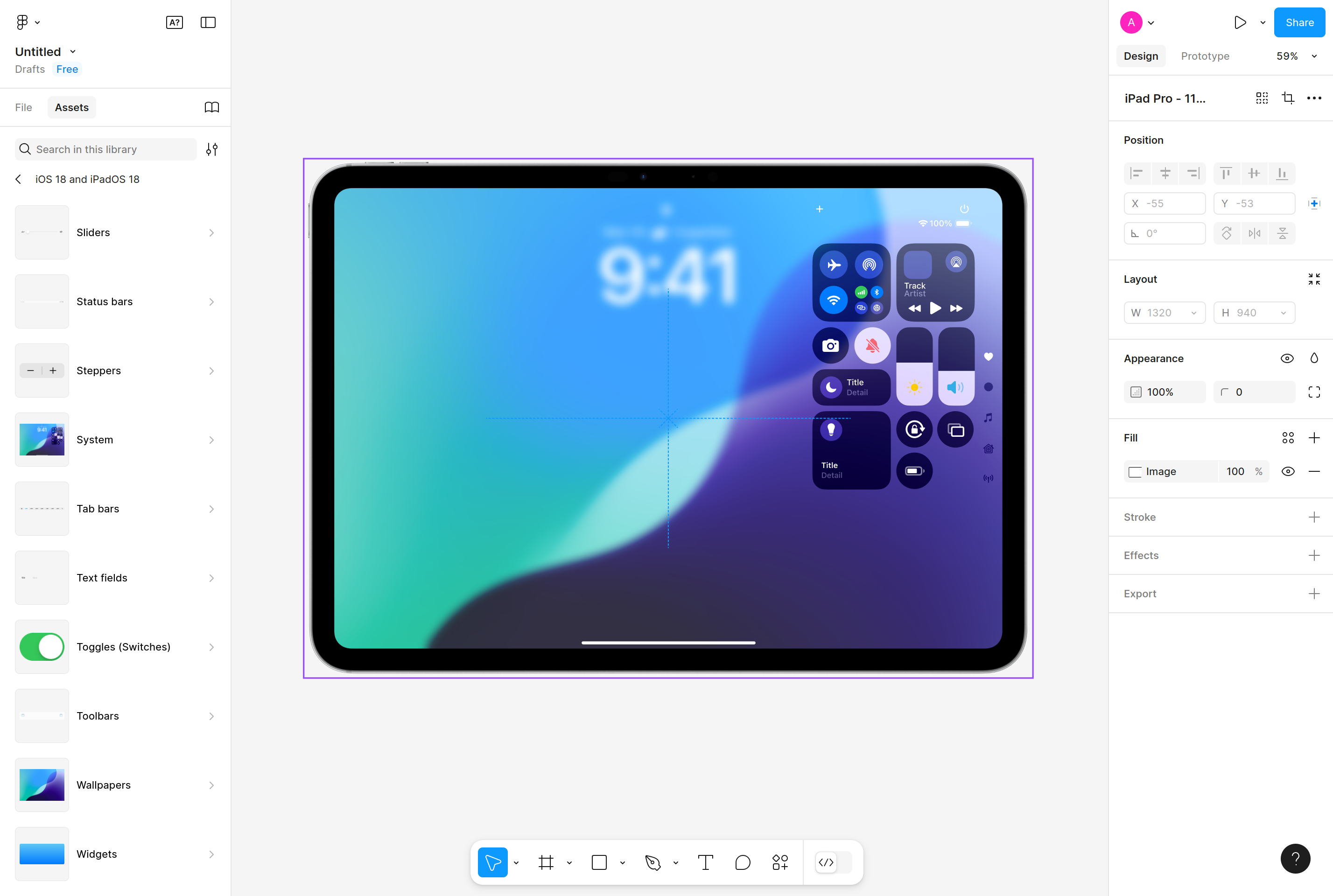
Figma is a collaborative interface design tool that runs entirely in the browser. Designers can build vector layouts, design systems, and interactive prototypes in shared files where multiple people edit at the same time, similar to how Google Docs handles text.
It is used by product teams to go from wireframe to high-fidelity mockup, hand off specs to engineers, and maintain reusable component libraries. A companion product, FigJam, covers whiteboarding, diagrams, and workshops, while Dev Mode focuses on the developer handoff with code snippets and inspect tools.
A broad plugin and widget ecosystem extends the editor for tasks like icon management, accessibility checks, content fill, and exporting to code, making Figma a hub for the full UI design workflow.
Key features
Real-time collaboration
Multiple designers and stakeholders can edit the same file at once with live cursors and comments.
Component libraries
Reusable components, variants, and design tokens stay in sync across files and teams.
Interactive prototypes
Wire screens together with transitions and conditions to test user flows before any code is written.
Auto layout
Frames resize and reflow based on rules, so designs respond like real UI without manual adjustment.
Plugin ecosystem
Hundreds of plugins automate icon import, content fill, accessibility checks, and developer handoff.
Dev Mode
A dedicated mode generates code snippets, measurements, and assets for engineers reading the design.
Common use cases
- Designing web and mobile interfaces from wireframe to high-fidelity mockup
- Building and maintaining a shared design system across product teams
- Running collaborative design reviews with stakeholders in the same file
- Handing off designs to engineers with measurements and code snippets
- Prototyping flows for usability testing with clickable interactions
Install Figma:
1. Make sure to choose the right OS and Browser in the config section above.
2. and don't hesitate to check it's content.
3. Paste the code in your termial of choice.
4. You can now find and use Figma just like any other app on your OS! 🎉
App Configuration:
| Key | Value |
|---|---|
| Name | Figma |
| Website | https://www.figma.com |
| Developer | Figma, Inc. |
| Category | DesignApplication |
| Pricing | Freemium |
| Platforms | Web, macOS, Windows, iOS, Android |
| Tags | design, ui, ux, tool |
Frequently asked questions
Is Figma free?
Figma has a free Starter plan with limited files; Professional and Organization tiers unlock unlimited files and advanced collaboration.
Does Figma work offline?
The desktop app caches recently opened files but most features require an internet connection to sync.
Can I export Figma designs to code?
Figma exports assets and CSS, and Dev Mode plus plugins generate code snippets in popular frameworks.
What is the difference between Figma and FigJam?
Figma focuses on UI design and prototyping, while FigJam is a whiteboard for brainstorming, diagrams, and workshops.