

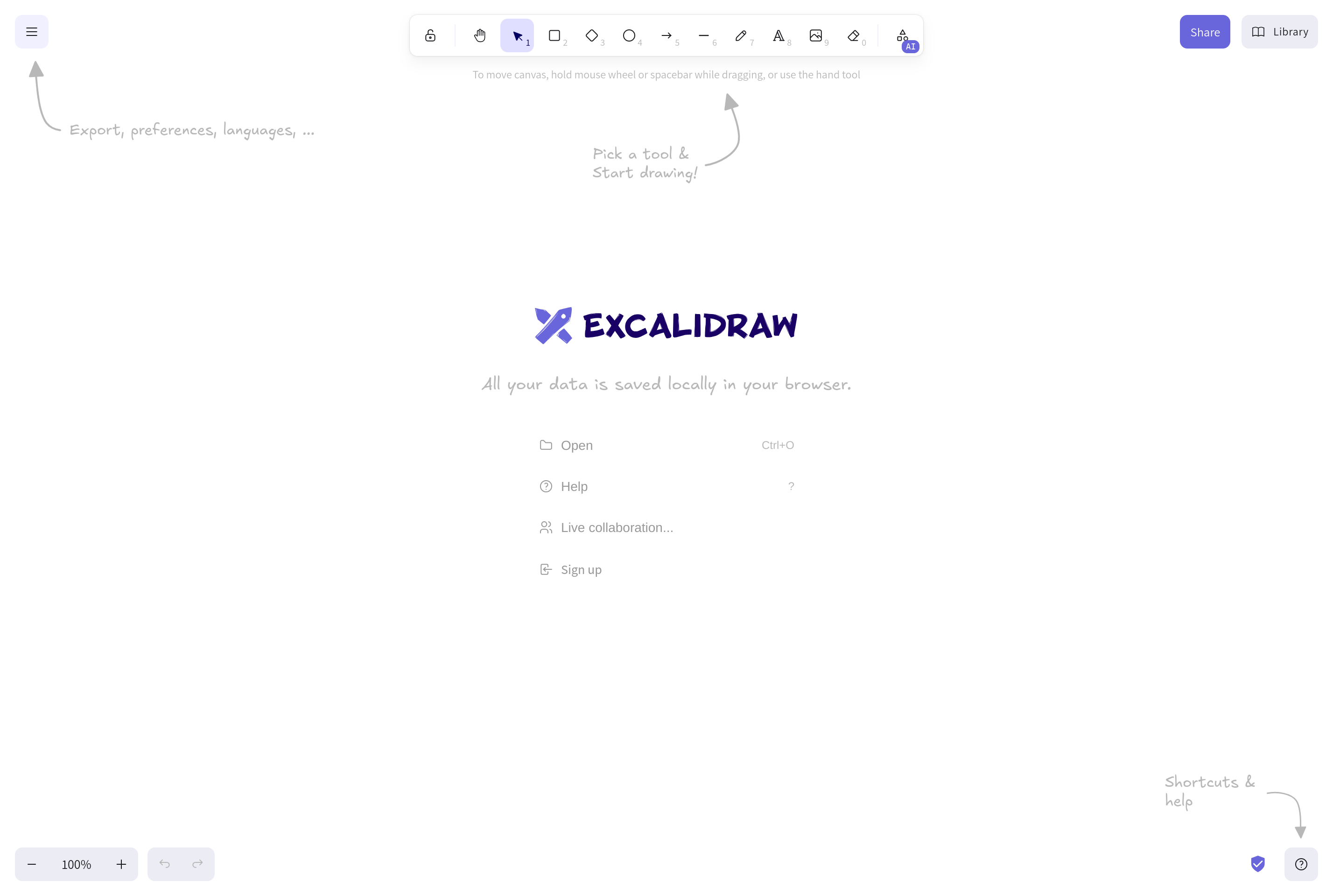
About Excalidraw
Excalidraw is an open-source virtual whiteboard for sketching diagrams with a hand-drawn look. Boxes, arrows, and freehand strokes are rendered with intentionally rough edges, which keeps diagrams feeling like quick illustrations rather than polished engineering documents.
It is popular with engineers, technical writers, and educators who want to explain architecture, flows, or concepts in blog posts, RFCs, and slides. Drawings can be exported as PNG, SVG, or a portable .excalidraw JSON file, and a self-hostable version exists for teams that need full control.
The hosted app supports real-time collaboration through end-to-end encrypted rooms, libraries of reusable shapes, and a growing ecosystem of integrations into tools like Obsidian, VS Code, and Notion.
Key features
Hand-drawn style
Shapes and arrows render with a sketchy look that fits architecture diagrams and explanatory drawings.
End-to-end encrypted collaboration
Live multi-user sessions are encrypted in the browser so the server never sees the content.
Shape libraries
Import and share libraries of pre-made elements for common UI, cloud, and infrastructure diagrams.
Multiple export formats
Save as PNG, SVG, or a portable .excalidraw file that preserves editable elements.
Open source and self-hostable
The full editor is MIT-licensed and can be self-hosted for offline or private deployments.
Common use cases
- Sketching system architecture diagrams for documentation and RFCs
- Explaining concepts visually in blog posts, slides, and online classes
- Running quick collaborative drawing sessions during remote meetings
- Embedding editable drawings inside notes apps like Obsidian or Notion
Install Excalidraw:
1. Make sure to choose the right OS and Browser in the config section above.
2. and don't hesitate to check it's content.
3. Paste the code in your termial of choice.
4. You can now find and use Excalidraw just like any other app on your OS! 🎉
App Configuration:
| Key | Value |
|---|---|
| Name | Excalidraw |
| Website | https://excalidraw.com |
| Developer | Excalidraw contributors |
| Category | DesignApplication |
| Pricing | Open source / free |
| Platforms | Web |
| Tags | diagram, drawing, tool |
Frequently asked questions
Is Excalidraw free?
Excalidraw is open source and free to use; an optional paid Excalidraw+ plan adds team collaboration features.
Are my drawings private?
Drawings stay in your browser by default, and live collaboration sessions are end-to-end encrypted.
Can I self-host Excalidraw?
Yes, the project is MIT-licensed and the source code is available on GitHub for self-hosting.
What export formats are supported?
You can export to PNG, SVG, clipboard, or a .excalidraw JSON file that keeps all elements editable.