
About Discord
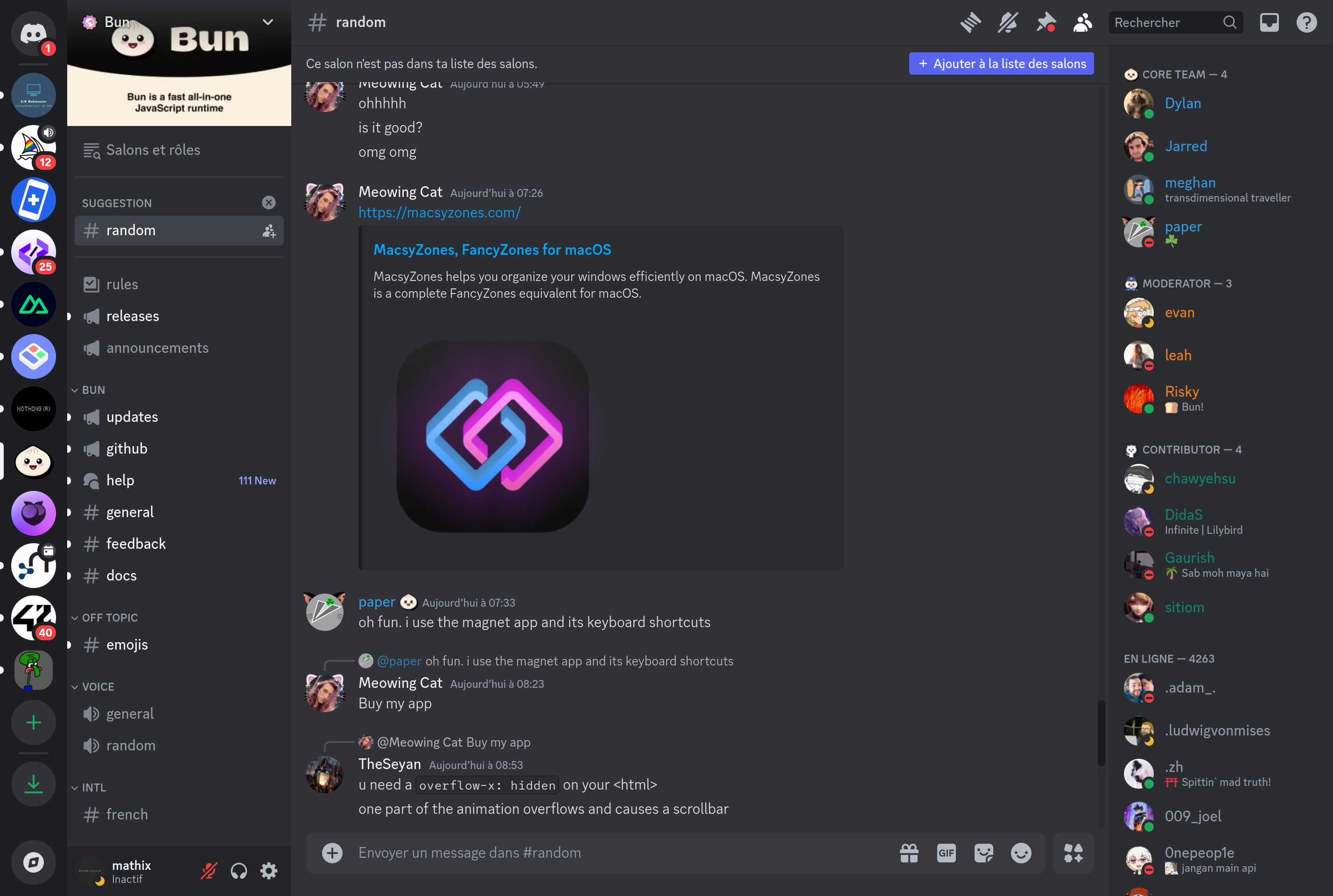
Discord is a voice, video, and text chat platform organized around servers and channels. Servers act as communities with their own themed channels, roles, and permissions, while direct messages and group DMs handle smaller, private conversations between friends.
The app started in gaming but is now used for study groups, open-source projects, creator fan communities, and small teams. Voice channels can be joined freely without scheduling a call, and screen sharing, video calls, and integrated activities like watch parties are built in.
Most features are free; a Nitro subscription adds higher upload limits, longer video, custom emoji, and other cosmetic perks. Bots and webhooks make Discord easy to extend with moderation, music, role management, and integrations from external services.
Key features
Servers and channels
Create themed servers with text, voice, and forum channels organized by topic and role.
Voice and video chat
Drop into persistent voice channels or start group video calls with screen sharing for up to dozens of users.
Roles and permissions
Fine-grained roles control who can see, post in, or moderate each channel within a server.
Bots and integrations
Add bots for moderation, music, polls, and integrations with services like GitHub, YouTube, and Twitch.
Threads and forums
Side conversations live in dedicated threads so main channels stay focused.
Common use cases
- Hanging out with friends in voice channels while gaming or studying
- Running an open-source project's community with channels per topic
- Hosting a creator or fan community with roles and announcements
- Coordinating a small team or club without setting up a full workspace
Install Discord:
1. Make sure to choose the right OS and Browser in the config section above.
2. and don't hesitate to check it's content.
3. Paste the code in your termial of choice.
4. You can now find and use Discord just like any other app on your OS! 🎉
App Configuration:
| Key | Value |
|---|---|
| Name | Discord |
| Website | https://discord.com/app |
| Developer | Discord, Inc. |
| Category | Communication |
| Pricing | Free with paid plans |
| Platforms | Web, macOS, Windows, Linux, iOS, Android |
| Tags | chat, communication |
Frequently asked questions
Is Discord free?
Discord is free to use; the optional Nitro subscription adds larger uploads, custom emoji, and other perks.
Do I need an account?
Yes, you need a free Discord account to send messages, join servers, or participate in voice channels.
Can I use Discord in a browser?
Yes, Discord runs in modern browsers without installing the desktop app, though some features work better on the dedicated client.
Are messages encrypted?
Discord uses TLS for transport, but most server messages are not end-to-end encrypted; only newer features like calls have started rolling out E2EE.