

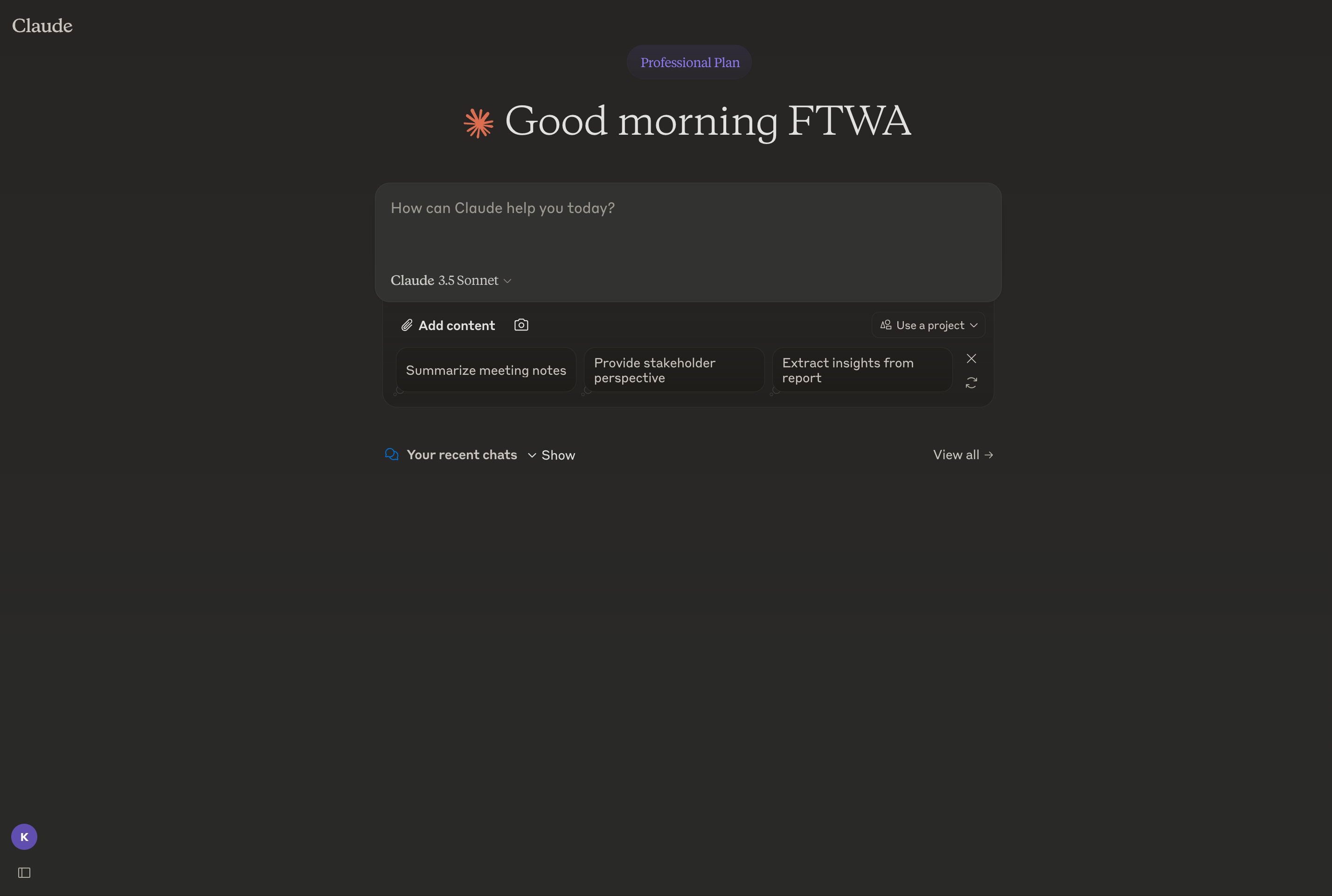
About Claude AI
Claude is an AI assistant developed by Anthropic that can hold long conversations, answer questions, write and review code, summarize and analyze documents, and help with research and writing. It's accessed primarily through claude.ai, where users chat with the model in a familiar message interface.
Claude can read uploaded files including PDFs, images, spreadsheets, and code, and it supports projects to keep documents and instructions organized across many conversations. Features such as Artifacts render structured outputs like code, documents, and small interactive previews next to the chat, while connectors let Claude work with services such as Google Drive, GitHub, and others.
The assistant is also available through an API for developers, mobile and desktop clients, and Claude Code for working with codebases from the terminal. Anthropic emphasizes safety research and "Constitutional AI" techniques in how the models are trained.
Key features
Long-context conversations
Claude can work with very long documents and conversations, keeping track of context across many turns.
File and image understanding
Upload PDFs, images, spreadsheets, and code so Claude can summarize, analyze, and answer questions about them.
Projects
Group related chats, files, and custom instructions into a project so Claude has consistent context to draw on.
Artifacts
Generate code, documents, and small interactive previews in a side panel that updates as the conversation evolves.
Connectors and tools
Connect services like Google Drive and GitHub or use built-in tools so Claude can act on your data and the web.
Common use cases
- Drafting and editing emails, essays, and long-form documents
- Reviewing, refactoring, and explaining code across files
- Summarizing research papers, contracts, and meeting transcripts
- Brainstorming ideas, plans, and outlines with iterative feedback
Install Claude AI:
1. Make sure to choose the right OS and Browser in the config section above.
2. and don't hesitate to check it's content.
3. Paste the code in your termial of choice.
4. You can now find and use Claude AI just like any other app on your OS! 🎉
App Configuration:
| Key | Value |
|---|---|
| Name | Claude AI |
| Website | https://claude.ai/chat |
| Developer | Anthropic |
| Category | UtilitiesApplication |
| Pricing | Freemium |
| Platforms | Web, macOS, Windows, iOS, Android |
| Tags | ai, chat, tool |
Frequently asked questions
Is Claude free?
Claude has a free plan with daily message limits and paid Pro, Max, Team, and Enterprise plans that raise limits and add features.
Who makes Claude?
Claude is developed by Anthropic, an AI safety company founded in 2021.
Can Claude read files?
Yes, you can upload PDFs, images, spreadsheets, and code, and Claude can summarize and answer questions about them.
Is there an API for Claude?
Yes, Anthropic offers a developer API so applications can call Claude models programmatically with their own keys.