

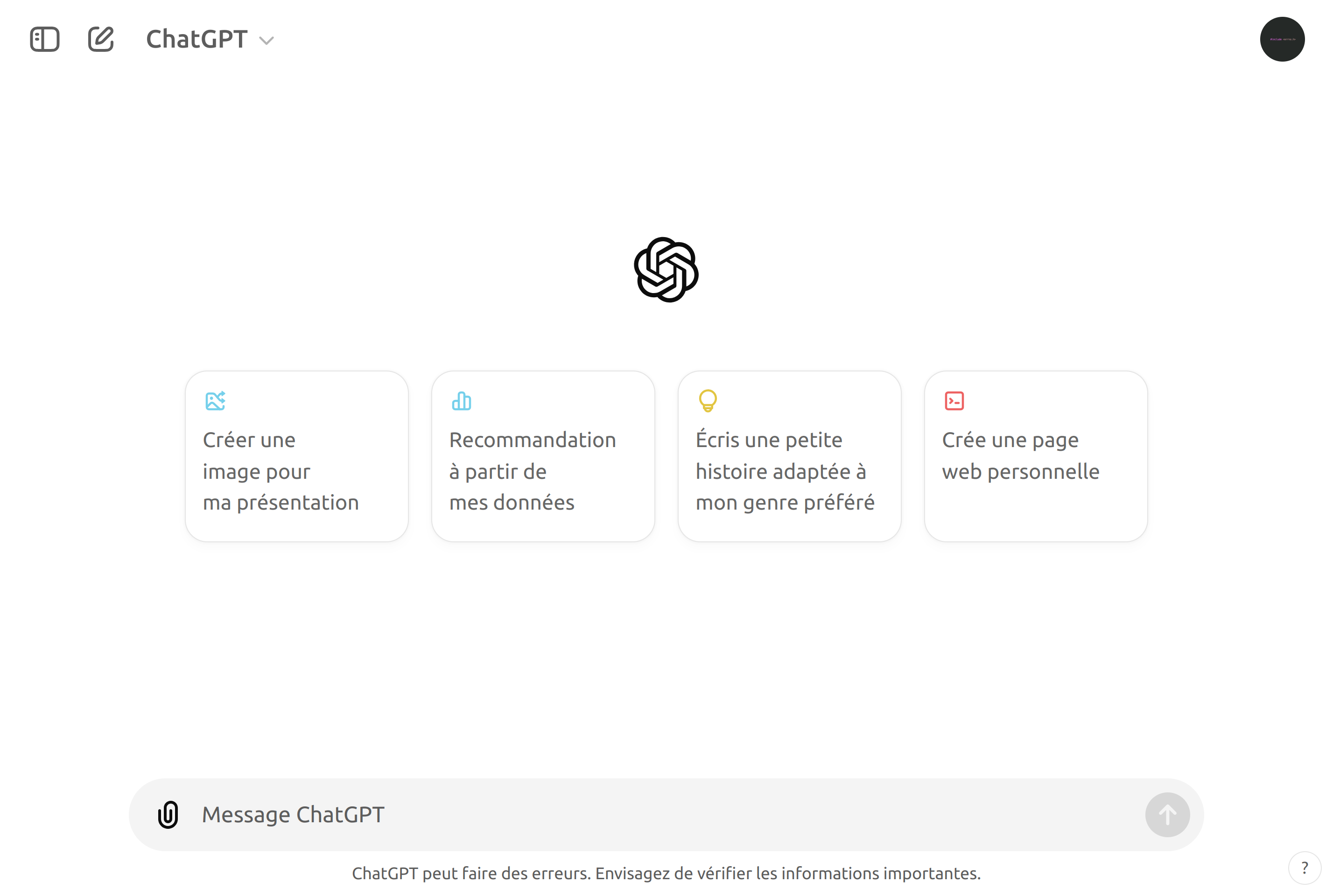
About ChatGPT
ChatGPT is OpenAI's conversational AI assistant, available on the web and through native apps on desktop and mobile. It can answer questions, draft and edit text, write and explain code, summarize long documents, and reason through problems step by step.
The free tier offers access to a capable default model with limits on usage and advanced features. Paid Plus, Pro, Team, and Enterprise plans unlock more powerful models, longer context windows, image generation, file analysis, voice mode, and tools like web browsing and custom GPTs.
Users can attach files and images, build their own GPTs with custom instructions and knowledge, and connect external services through actions. Conversations are stored per account and can be deleted, exported, or excluded from training in the data controls.
Key features
Conversational assistant
Ask questions, brainstorm, and iterate on ideas in a long-running chat that keeps context.
File and image input
Attach documents, images, and spreadsheets so the model can analyze, summarize, or extract data.
Image generation
Generate and edit images directly in the chat with built-in image models on supported plans.
Voice mode
Talk to ChatGPT in natural speech with low-latency voice conversations on mobile and desktop.
Custom GPTs
Build tailored assistants with custom instructions, files, and actions, then share them with others.
Web browsing and tools
On supported plans, ChatGPT can browse the web, run code, and call external tools to complete tasks.
Common use cases
- Drafting and editing emails, reports, and other long-form text
- Explaining, debugging, or generating code in a wide range of languages
- Summarizing long PDFs, articles, or meeting transcripts
- Brainstorming ideas, outlines, and study plans
- Building a custom GPT that follows your team's tone and knowledge
Install ChatGPT:
1. Make sure to choose the right OS and Browser in the config section above.
2. and don't hesitate to check it's content.
3. Paste the code in your termial of choice.
4. You can now find and use ChatGPT just like any other app on your OS! 🎉
App Configuration:
| Key | Value |
|---|---|
| Name | ChatGPT |
| Website | https://chatgpt.com/ |
| Developer | OpenAI |
| Category | UtilitiesApplication |
| Pricing | Free with paid plans |
| Platforms | Web, macOS, Windows, iOS, Android |
| Tags | ai, chat, tool |
Frequently asked questions
Is ChatGPT free?
Yes, ChatGPT has a free tier; Plus, Pro, Team, and Enterprise plans unlock more capable models and advanced features.
Do I need an account?
An account is required for full access; some basic chats are available without sign-in but with stricter limits.
Are my chats used for training?
You can opt out of training in data controls; Team and Enterprise data are excluded from training by default.
Can I export my conversations?
Yes, you can request an export of your data, including conversations, from the settings page.