

About Calendly
Calendly is a scheduling tool that gives each user a personal link other people can use to book time. Users define event types with durations, buffers, location options, and intake questions, and Calendly checks the connected calendars to offer only times that are actually free.
It's used by sales, recruiting, customer success, and consulting teams to remove back-and-forth emails when arranging meetings. Group, collective, and round-robin event types support team scheduling, and integrations with video tools like Zoom, Google Meet, and Microsoft Teams add conferencing links automatically.
Calendly integrates with CRMs such as Salesforce and HubSpot, supports paid bookings through Stripe and PayPal, and offers an API and webhooks for embedding scheduling into websites and internal apps. Native mobile clients let people manage upcoming meetings on the go.
Key features
Shareable booking links
Each event type has a public link invitees can use to pick an available time.
Calendar sync
Connect Google, Microsoft 365, Outlook, and iCloud calendars so busy times block availability automatically.
Team scheduling
Round-robin and collective event types distribute meetings across team members based on availability.
Workflow automations
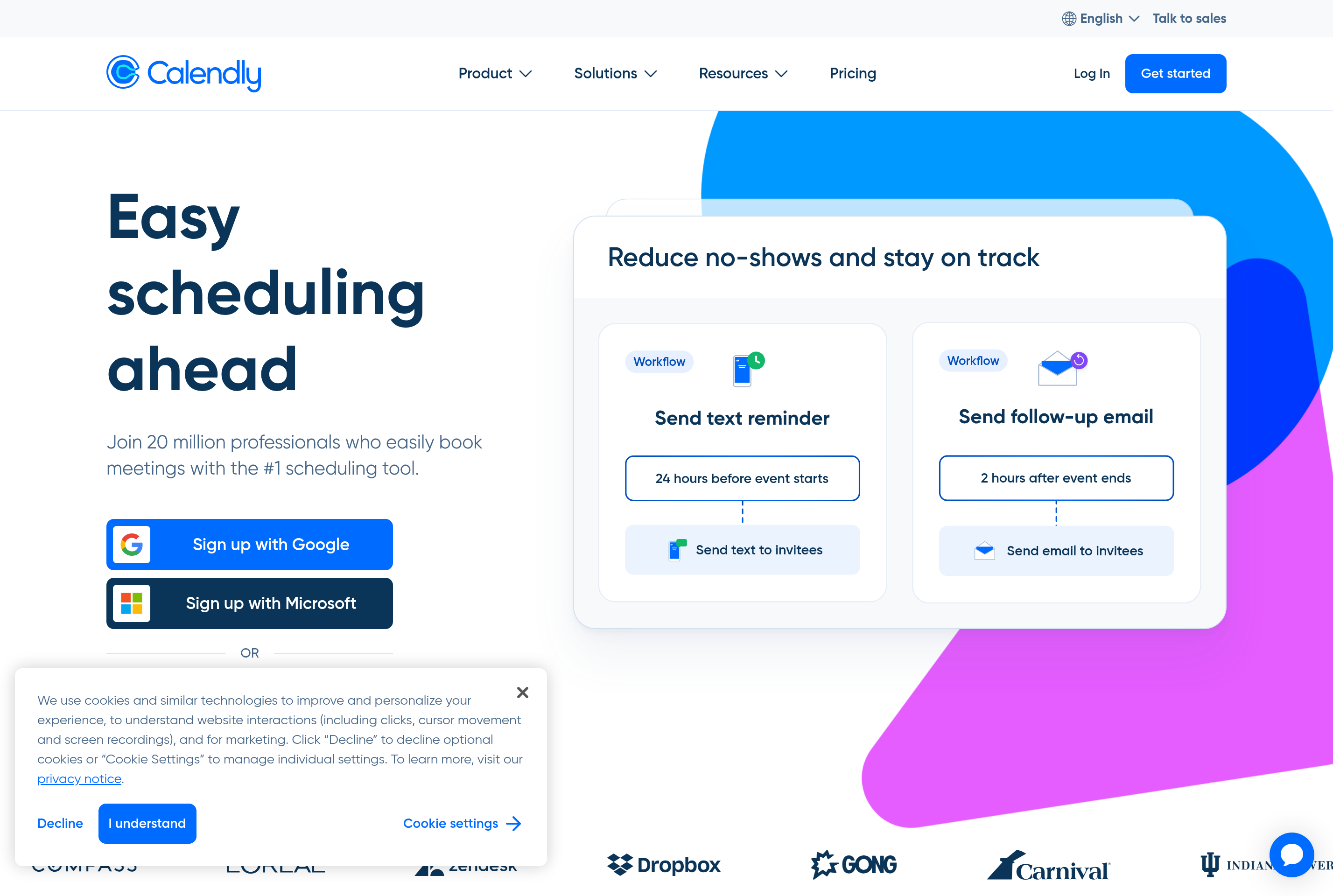
Send custom reminders, follow-ups, and notifications around each meeting via email and SMS.
Integrations
Connect to Zoom, Google Meet, Microsoft Teams, Salesforce, HubSpot, Slack, Stripe, and many more tools.
Common use cases
- Letting prospects self-book sales discovery calls
- Coordinating multi-stage interview loops with recruiters and hiring panels
- Scheduling client onboarding sessions with automatic reminders
- Selling paid consulting time with Stripe or PayPal at booking
Install Calendly:
1. Make sure to choose the right OS and Browser in the config section above.
2. and don't hesitate to check it's content.
3. Paste the code in your termial of choice.
4. You can now find and use Calendly just like any other app on your OS! 🎉
App Configuration:
| Key | Value |
|---|---|
| Name | Calendly |
| Website | https://calendly.com |
| Developer | Calendly, LLC |
| Category | BusinessApplication |
| Pricing | Freemium |
| Platforms | Web, iOS, Android |
| Tags | productivity, tool |
Frequently asked questions
Is Calendly free?
Calendly has a free plan with one event type per user, plus paid Standard, Teams, and Enterprise plans that unlock multiple event types and advanced features.
Which calendars does Calendly support?
It connects with Google Calendar, Microsoft 365 / Outlook, Outlook.com, and iCloud Calendar.
Can Calendly add a video link to meetings?
Yes, it integrates with Zoom, Google Meet, Microsoft Teams, Webex, and others to auto-generate conferencing links.
Does Calendly support paid bookings?
Yes, Stripe and PayPal can be connected to charge invitees when they book paid event types.