
About Bitwarden
Bitwarden is an open-source password manager that stores logins, secure notes, identities, and payment cards in an encrypted vault. Data is end-to-end encrypted with a key derived from the user's master password, so the cloud service stores ciphertext only.
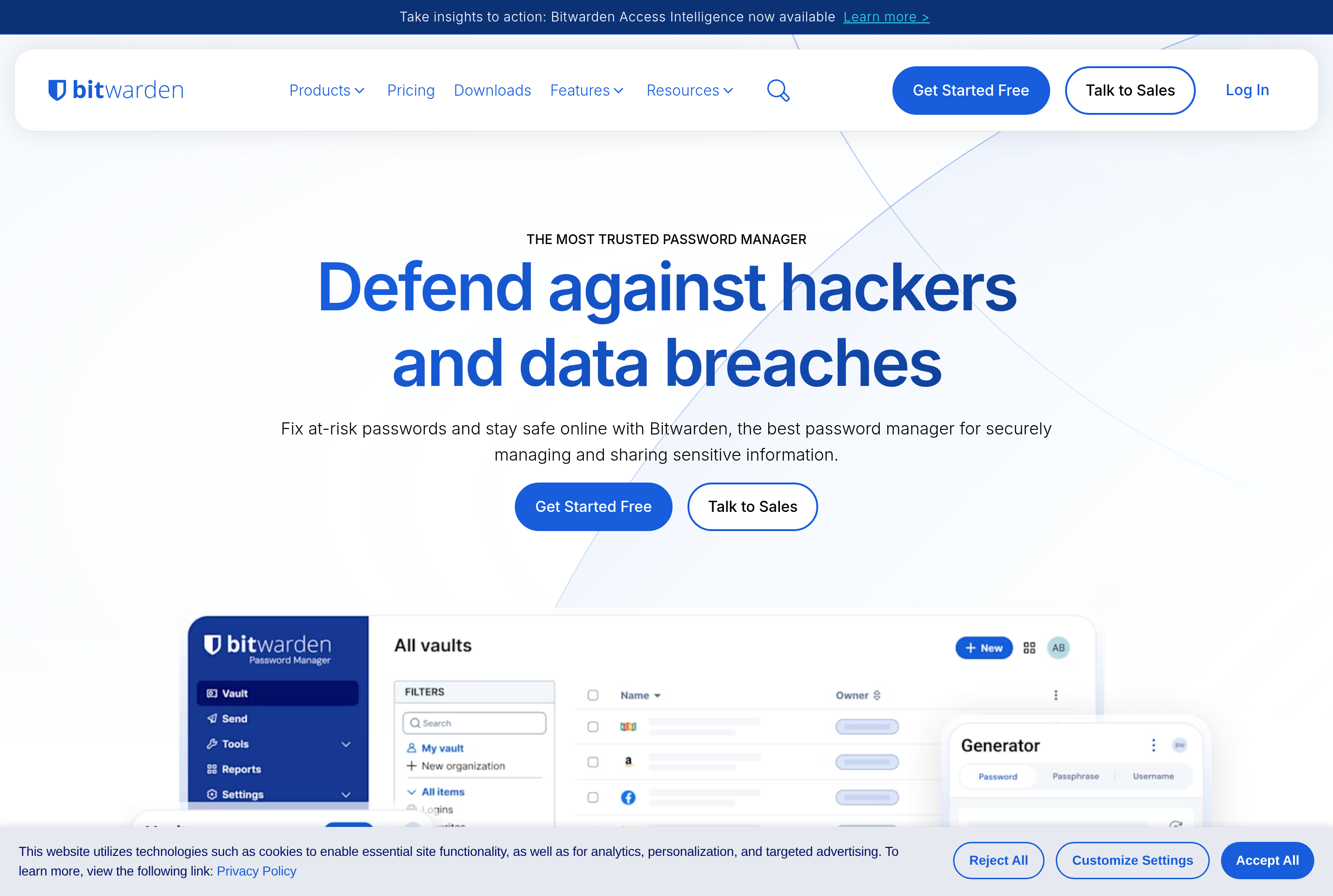
The web vault at vault.bitwarden.com is the central hub where users manage entries, organizations, sharing, and security reports. Browser extensions, desktop apps, and mobile clients sync the same vault, autofill credentials, and generate strong passwords and passphrases. Two-factor authentication, passkeys, and integrations with hardware keys add another layer of protection.
For teams, Bitwarden offers shared collections, granular access control, and a Secrets Manager for developer credentials. Self-hosting is supported for users who want to run the server inside their own infrastructure.
Key features
End-to-end encryption
Vault data is encrypted on the device with a key derived from the master password before syncing.
Cross-platform clients
Use the web vault, browser extensions, desktop apps, and mobile clients with the same synced data.
Password generator
Generate strong random passwords or passphrases with configurable length, character classes, and word counts.
Sharing and organizations
Share entries securely with family members or teams using collections and role-based access controls.
Self-hosting option
Run the Bitwarden server on your own infrastructure for full control over storage and updates.
Common use cases
- Storing logins and autofilling credentials across browsers and devices
- Generating and rotating strong passwords for every online account
- Sharing team or family credentials securely without sending them in plain text
- Self-hosting a password manager inside a private network or homelab
Install Bitwarden:
1. Make sure to choose the right OS and Browser in the config section above.
2. and don't hesitate to check it's content.
3. Paste the code in your termial of choice.
4. You can now find and use Bitwarden just like any other app on your OS! 🎉
App Configuration:
| Key | Value |
|---|---|
| Name | Bitwarden |
| Website | https://vault.bitwarden.com/ |
| Developer | Bitwarden, Inc. |
| Category | SecurityApplication |
| Pricing | Freemium |
| Platforms | Web, macOS, Windows, Linux, iOS, Android |
| Tags | security, tool |
Frequently asked questions
Is Bitwarden free?
Bitwarden has a generous free tier with unlimited entries on unlimited devices, plus paid Premium and Family plans and Business tiers with extra features.
Is Bitwarden open source?
Yes, Bitwarden's clients and server are open source and the code is available on GitHub for review.
Can I self-host Bitwarden?
Yes, Bitwarden can be self-hosted using the official Docker setup or the lightweight Vaultwarden community implementation.
Does Bitwarden support passkeys?
Yes, Bitwarden supports storing and using passkeys for sites that have adopted them, in addition to traditional passwords.