

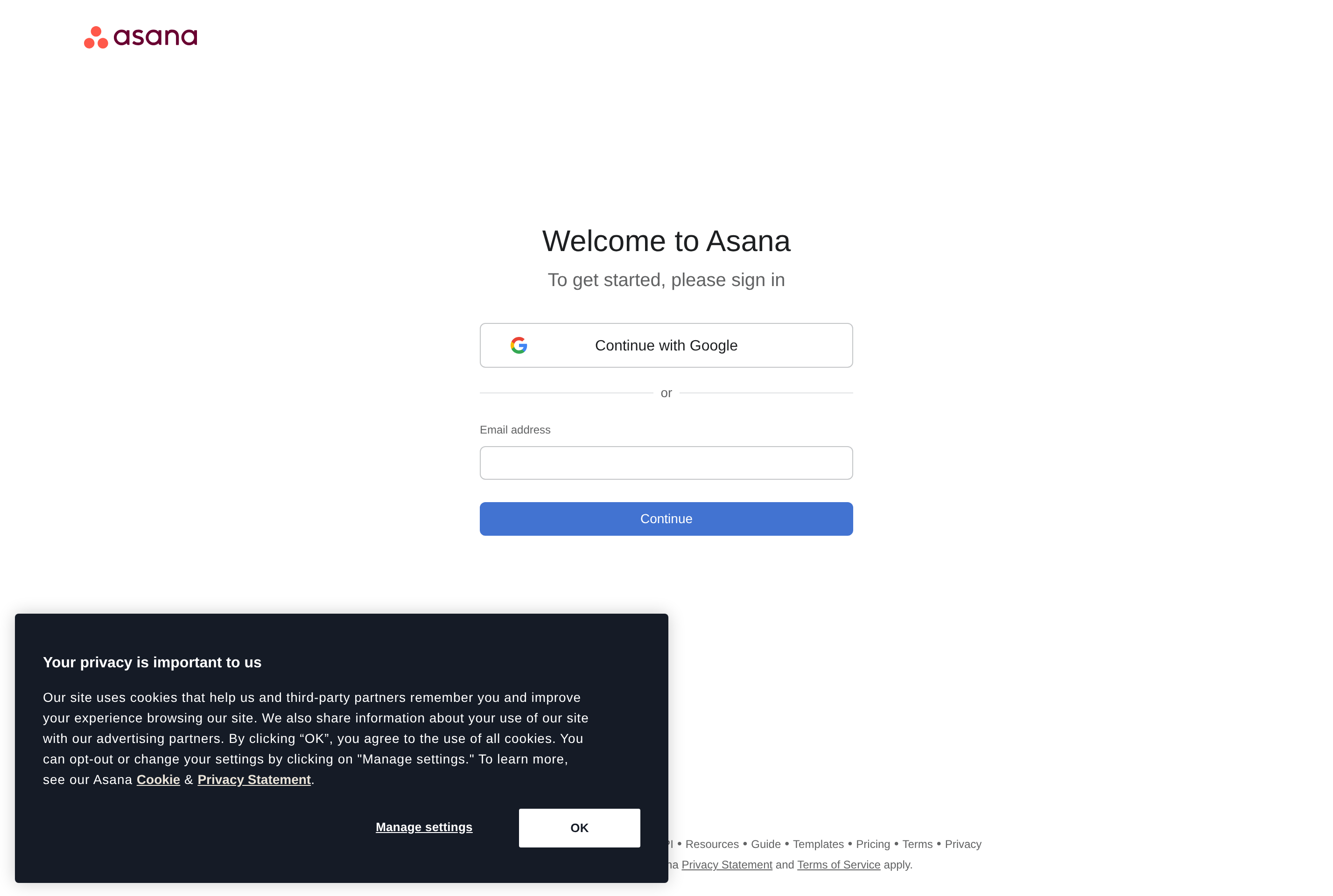
About Asana
Asana is a work management platform used by teams to plan, track, and coordinate projects. Tasks live inside projects and can be viewed as lists, kanban boards, calendars, timelines, or Gantt-style charts, with custom fields, dependencies, subtasks, and assignees.
It's aimed at marketing, operations, product, and cross-functional teams that need shared visibility into who is doing what by when. Goals tie individual work to higher-level outcomes, portfolios roll up multiple projects, and rules automate repetitive steps like assigning approvers or moving tasks between sections.
Asana integrates with Slack, Google Workspace, Microsoft Teams, GitHub, Salesforce, and many other tools, and exposes an API and webhooks for custom workflows. The web app is the primary surface, with native desktop and mobile clients for quick access on the go.
Key features
Multiple project views
Switch between list, board, calendar, and timeline views over the same project tasks.
Task dependencies
Mark tasks as blocked by others so the timeline reflects realistic sequencing of work.
Rules and automations
Trigger actions like assignment, status changes, or moves between sections without manual updates.
Goals and portfolios
Link tasks and projects to company goals and group related projects into portfolios for leadership reporting.
Integrations
Connect Slack, Google Workspace, Microsoft Teams, Jira, and many more tools through built-in integrations.
Common use cases
- Coordinating cross-functional product launches with shared timelines
- Tracking marketing campaigns from brief to publication
- Running quarterly planning with linked goals and progress
- Managing recurring operational checklists like onboarding and audits
Install Asana:
1. Make sure to choose the right OS and Browser in the config section above.
2. and don't hesitate to check it's content.
3. Paste the code in your termial of choice.
4. You can now find and use Asana just like any other app on your OS! 🎉
App Configuration:
| Key | Value |
|---|---|
| Name | Asana |
| Website | https://app.asana.com/ |
| Developer | Asana, Inc. |
| Category | BusinessApplication |
| Pricing | Freemium |
| Platforms | Web, macOS, Windows, iOS, Android |
| Tags | productivity, todo |
Frequently asked questions
Is Asana free?
Asana has a free Personal plan for individuals and small teams, with paid Starter, Advanced, and Enterprise tiers adding features like timeline, portfolios, and admin controls.
How many people can use the free plan?
The free plan supports a limited number of collaborators per workspace; check current pricing for exact limits.
Does Asana have an API?
Yes, Asana has a documented REST API and webhooks for custom integrations and automations.
Can I use Asana offline?
The mobile apps offer limited offline behavior; full editing requires an internet connection.