

About Internet Archive
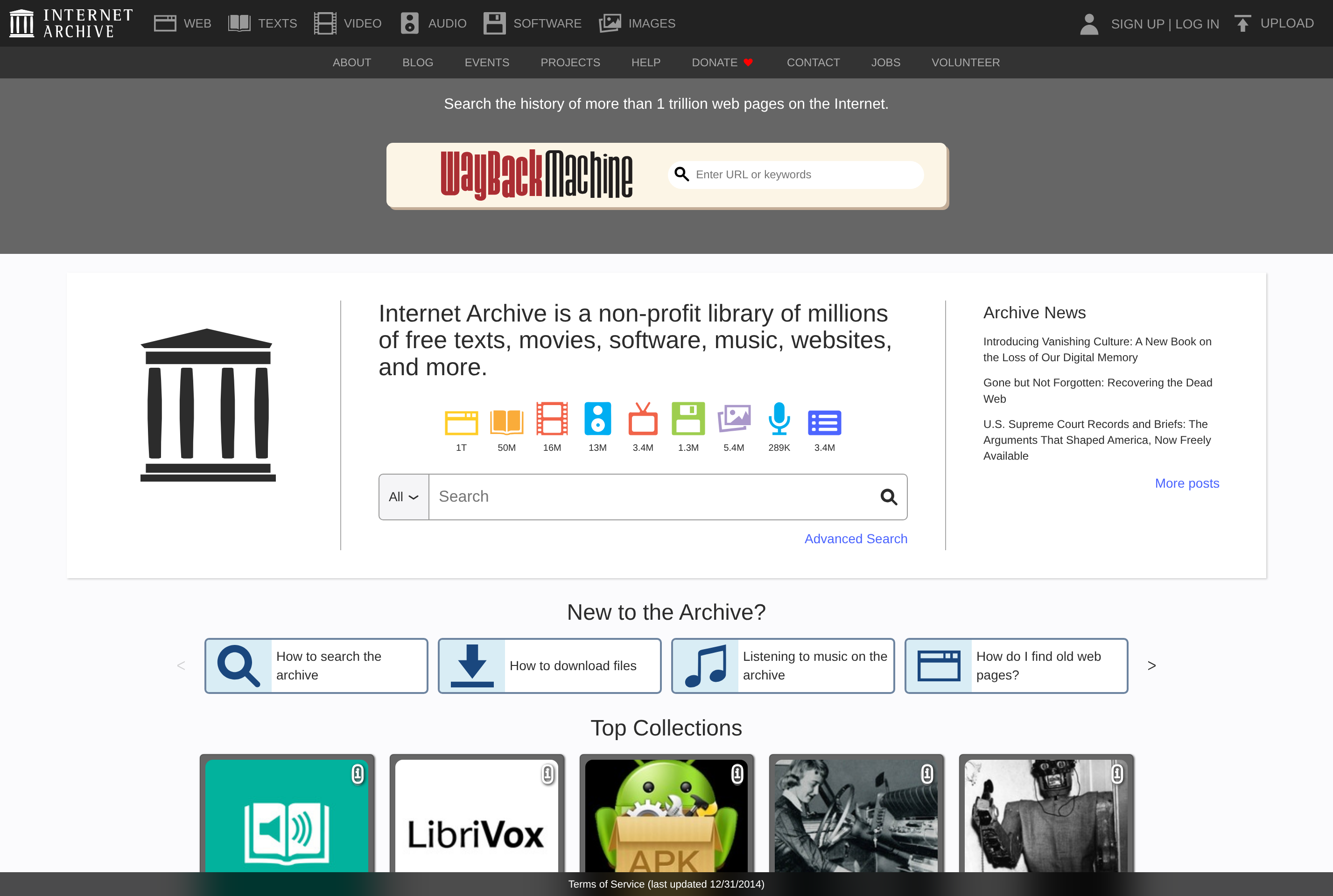
The Internet Archive is a non-profit digital library that preserves and provides free access to a huge collection of digitized materials, including websites, books, audio recordings, films, software, images, and television news. Its best-known service, the Wayback Machine, has captured hundreds of billions of web pages since 1996, letting anyone view how a site looked on a given date.
Beyond the web, archive.org hosts public-domain books and texts, classic concert recordings from groups like the Grateful Dead, vintage software playable in the browser, and educational and historical video. Researchers, journalists, and the general public use it for citations, historical reference, and access to out-of-print or rare media.
The Archive accepts uploads from users and institutions, and releases its tools and datasets so that other archives, libraries, and developers can build on its work.
Key features
Wayback Machine
Browse archived versions of web pages going back to 1996 by URL and date.
Digital book library
Read or borrow scanned books, including public-domain titles and modern works through Open Library.
Audio and video archive
Stream or download concerts, classic films, TV news, lectures, and old radio broadcasts.
Software preservation
Run vintage operating systems, games, and applications directly in the browser via emulators.
User uploads
Anyone with an account can upload media into appropriate collections to help preserve cultural heritage.
Common use cases
- Citing how a web page looked on a specific date for research or journalism
- Reading public-domain books or borrowing scanned titles online
- Listening to live concert recordings or historical radio broadcasts
- Playing emulated vintage software and games from past decades
Install Internet Archive:
1. Make sure to choose the right OS and Browser in the config section above.
2. and don't hesitate to check it's content.
3. Paste the code in your termial of choice.
4. You can now find and use Internet Archive just like any other app on your OS! 🎉
App Configuration:
| Key | Value |
|---|---|
| Name | Internet Archive |
| Website | https://archive.org/ |
| Developer | Internet Archive |
| Category | EducationalApplication |
| Pricing | Free |
| Platforms | Web, iOS, Android |
| Tags | news, tool |
Frequently asked questions
Is the Internet Archive free to use?
Yes, access is free for everyone; the organization is a non-profit funded primarily by donations and grants.
Do I need an account?
Browsing and the Wayback Machine work without an account, but uploading or borrowing certain books requires a free Internet Archive account.
How do I save a page to the Wayback Machine?
Use the "Save Page Now" form on web.archive.org or the official browser extension to capture a current snapshot.
Can I download content from archive.org?
Most items can be downloaded in multiple formats; some titles are loanable rather than freely downloadable due to copyright.